Roku Keeps Buffering? Diagnose the Problem and Fix It
If your Roku keeps buffering, identify whether the problem affects every app or just one, check your Wi-Fi signal and follow practical fixes for smoother streaming.

Troubleshooting guides for streaming devices, platforms and apps, including connectivity, remotes, playback, setup, updates and common errors.
If your Roku keeps buffering, identify whether the problem affects every app or just one, check your Wi-Fi signal and follow practical fixes for smoother streaming.
A Roku black screen can come from the TV input, HDMI connection, power supply or display settings. Use the symptoms to diagnose the problem and find the right fix.
If your Roku keeps restarting, the pattern can reveal the cause. Learn how to diagnose power, overheating, software and Roku TV startup problems and choose the right fix.
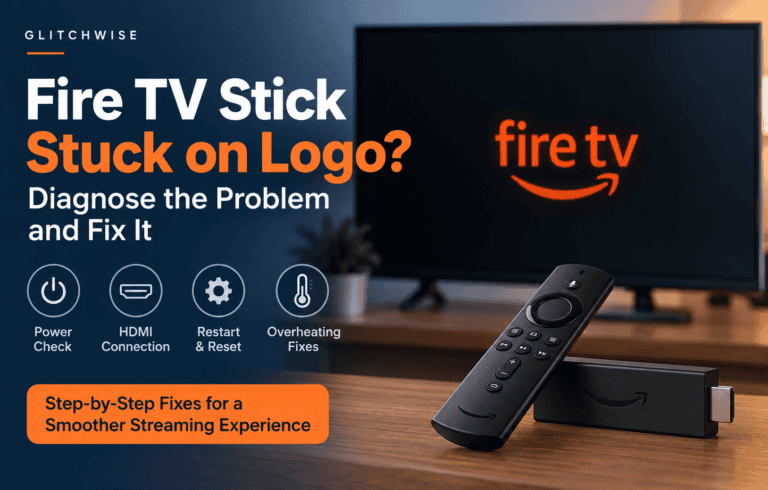
Fire TV Stick stuck on the Amazon or Fire TV logo? Work through these troubleshooting steps to check power, connections, overheating and startup problems before considering a factory reset.
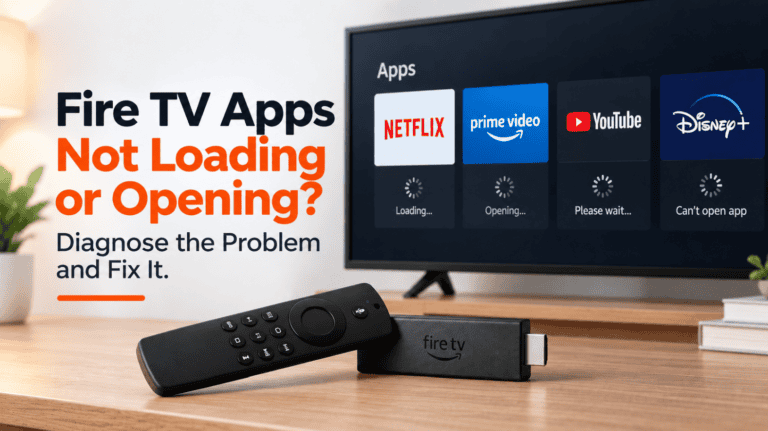
Fire TV apps not loading, opening, or repeatedly crashing? Use these troubleshooting steps to diagnose app, network, cache, storage, and Fire TV software problems.
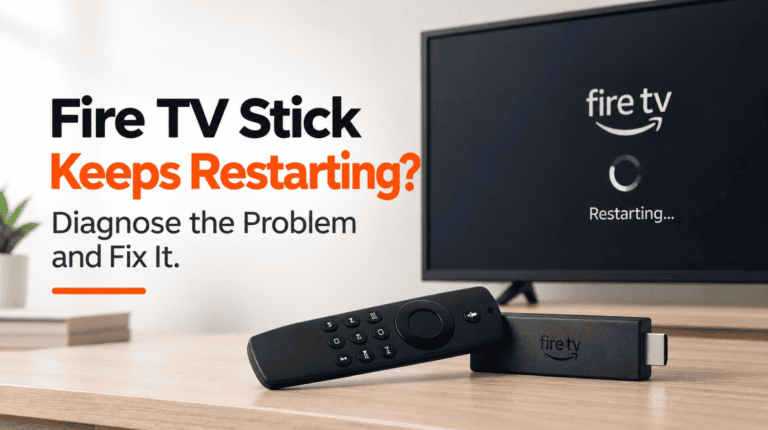
Fire TV Stick keeps restarting by itself or getting stuck in a reboot loop? Work through these troubleshooting steps to check power, cables, overheating, software, apps and the Fire TV Stick itself.
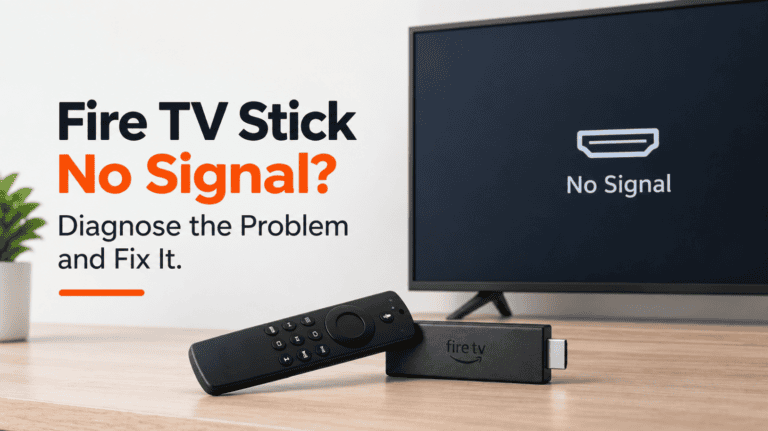
Fire TV Stick showing No Signal, a black screen, or nothing on your TV? Use these troubleshooting steps to check the HDMI input, power, display settings and Fire TV Stick itself.
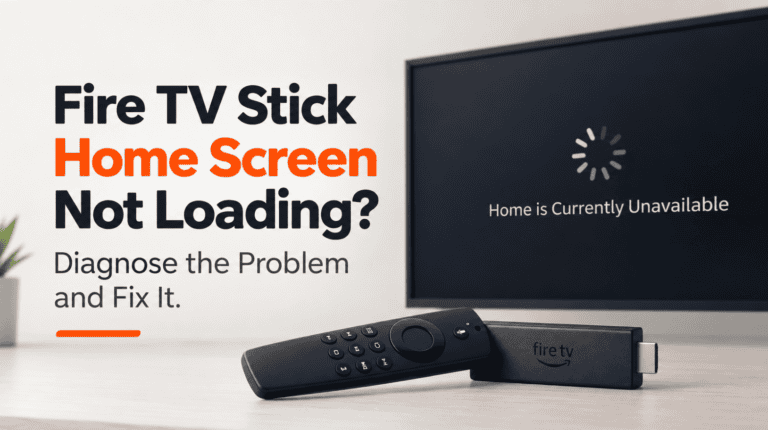
Fire TV Stick Home Screen not loading, frozen, blank, or showing “Home is Currently Unavailable”? Use these diagnostic steps to identify the cause and fix it.
Chromecast not showing up when you try to cast? Check whether the problem affects one app, one device or everything on your network, then follow the right troubleshooting path.
Chromecast not connecting to Wi-Fi? First identify whether your network is missing, setup can’t complete, the device has gone offline or you’ve changed your Wi-Fi details. Then follow the right fix.