Google TV Bluetooth Headphones Not Connecting? How to Fix It
Bluetooth headphones won’t connect to Google TV? Find out why they may not appear, fail to pair, or refuse to reconnect—and work through safe troubleshooting steps.

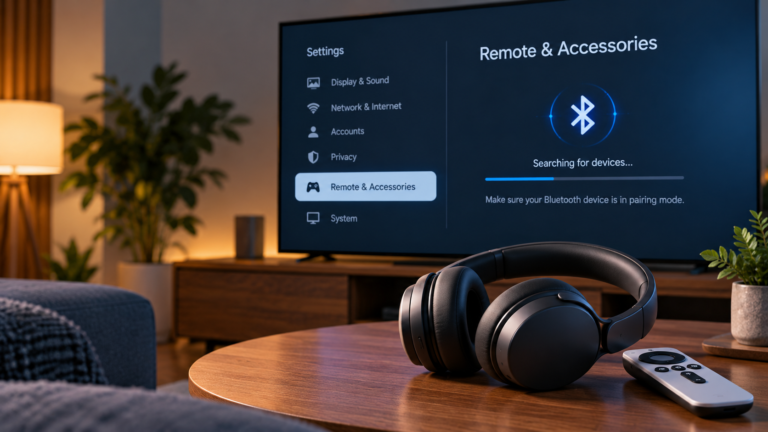
Bluetooth headphones won’t connect to Google TV? Find out why they may not appear, fail to pair, or refuse to reconnect—and work through safe troubleshooting steps.
If your Google TV keeps restarting, identify whether the problem occurs during startup, while streaming or when opening an app, then follow the relevant troubleshooting steps.
A Google TV black screen can result from an HDMI connection, power supply, app, display setting or television problem. Identify your symptoms and follow the right fix.
If your Google TV has no sound, identify whether the problem affects every app, your TV speakers or an external soundbar, then follow the right fix.
If your Google TV keeps buffering, identify whether the problem affects one app, several apps or mainly 4K video, then troubleshoot the right cause.
If your Google TV apps aren’t working, first identify whether one app or several apps are affected, then troubleshoot the app, connection or Google TV device.
If your Google TV remote isn’t working, first identify whether the entire remote, Bluetooth connection or only certain TV-control buttons have failed, then follow the right fix.
If your Chromecast keeps disconnecting, identify whether the device is dropping off Wi-Fi or only losing the Cast session, then follow the right troubleshooting steps.
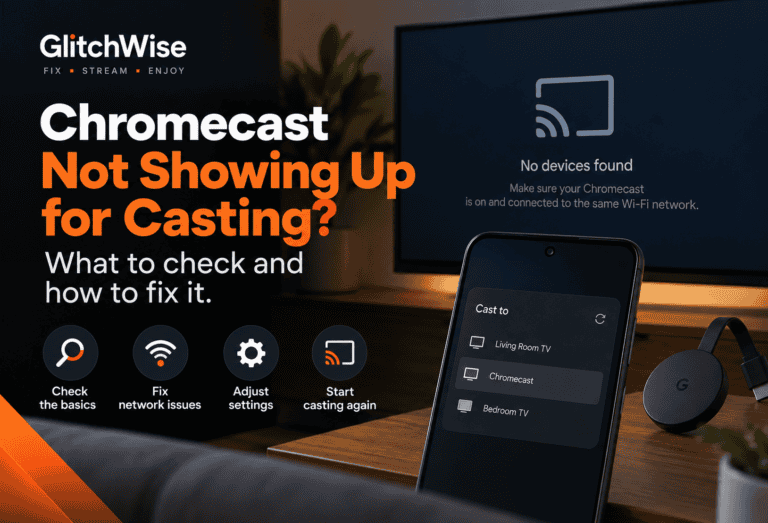
Chromecast not showing up when you try to cast? Check whether the problem affects one app, one device or everything on your network, then follow the right troubleshooting path.