Brother Printer Ink Not Recognized? Find the Cause
Is your Brother printer not recognizing an ink cartridge? Check its compatibility, installation, colour position and detection before replacing it.

Troubleshooting guides for printers and scanners, including connectivity, setup, printing, scanning, software and common error problems.
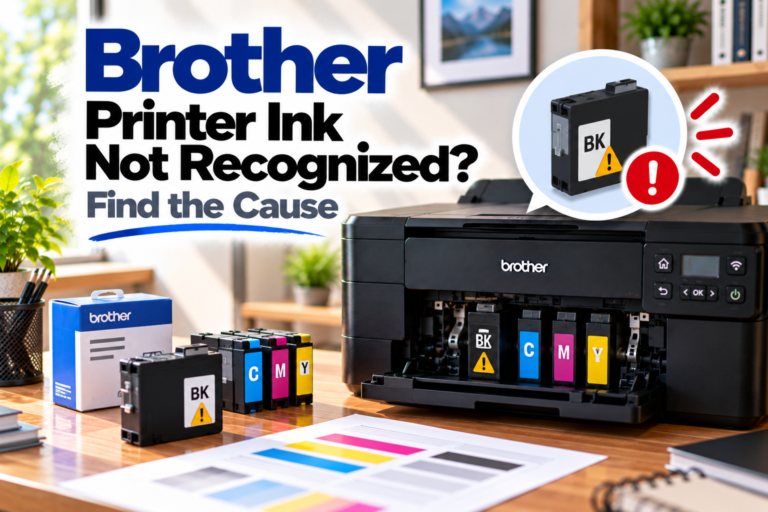
Is your Brother printer not recognizing an ink cartridge? Check its compatibility, installation, colour position and detection before replacing it.
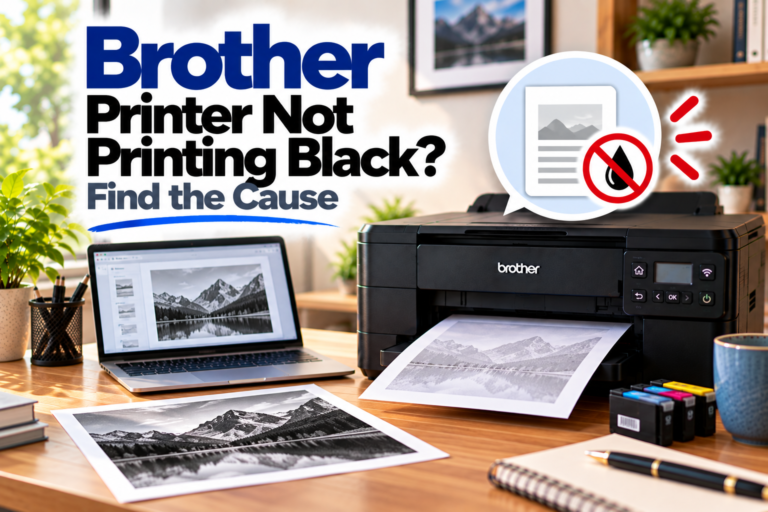
Is your Brother printer not printing black? Check the black ink, print quality, print head, print settings and printer software.
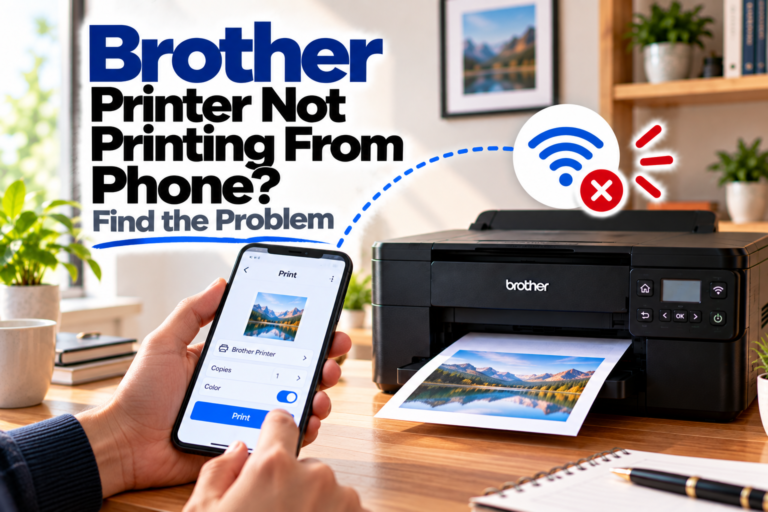
Is your Brother printer not printing from your phone? Check Wi-Fi, mobile printing services, AirPrint, app permissions and printer settings.
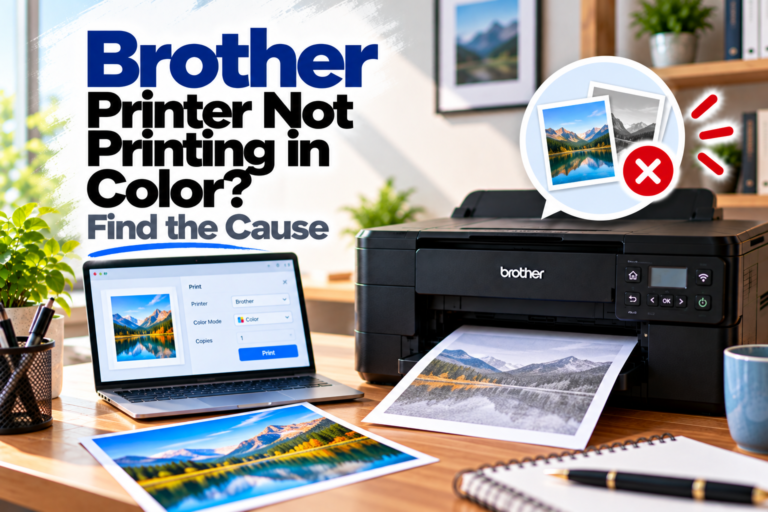
Is your Brother printer not printing in color? Check the colour settings, ink cartridges, print quality and printer software to find the cause.
Is your Brother printer not scanning? Check the USB or network connection, scanner driver, ControlCenter and computer settings to restore scanning.
Is your Brother printer showing a paper jam? Find the stuck paper, clear the paper path safely and check why the jam keeps coming back.
Is your Brother printer printing slowly? Find out whether print settings, large files, Wi-Fi, USB or printer software is causing the delay.
Is your Brother printer printing blank pages? Check the ink or toner, print quality, cartridges, documents and printer settings to find the problem.
Is your Brother printer not detected by your computer? Check the USB or Wi-Fi connection, network settings, printer driver and Windows setup.