Brother Printer Not Connecting to Wi-Fi? Find the Cause
Is your Brother printer not connecting to Wi-Fi? Find out whether the problem is the wireless network, password, router or printer configuration.

Troubleshooting guides for printers and scanners, including connectivity, setup, printing, scanning, software and common error problems.
Is your Brother printer not connecting to Wi-Fi? Find out whether the problem is the wireless network, password, router or printer configuration.
Is your Brother printer showing offline? Find out whether the problem is the printer, connection, Windows settings, print queue or Wi-Fi network.
Is your Brother printer not printing? Find out whether the problem is the printer, connection, print queue, selected printer or Brother driver.
Is your Epson printer not scanning? Find out whether the problem is the connection, Epson scanning software, scanner driver or network configuration.
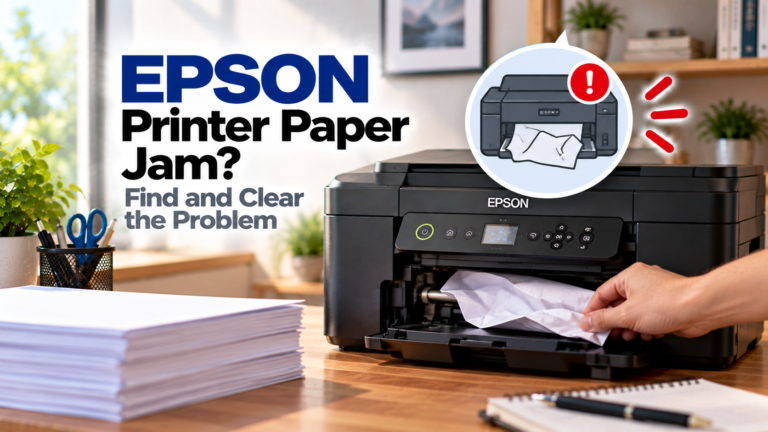
Is your Epson printer showing a paper jam? Find out where the paper is stuck, clear it safely and prevent the same problem from happening again.
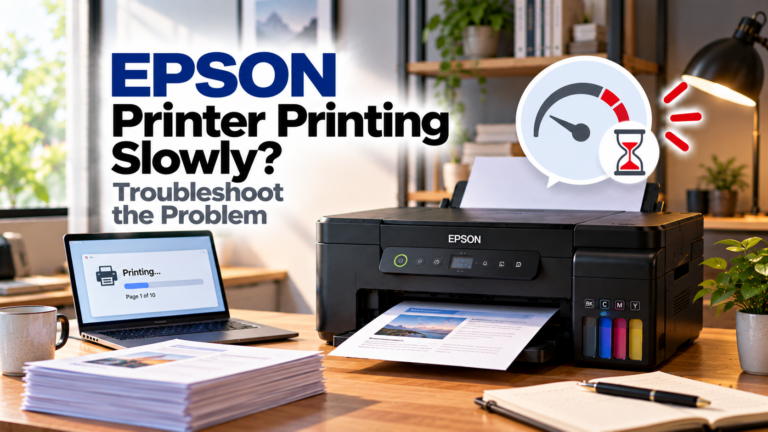
Is your Epson printer printing slowly? Find out whether print settings, large files, paper, the connection or printer software is causing the delay.
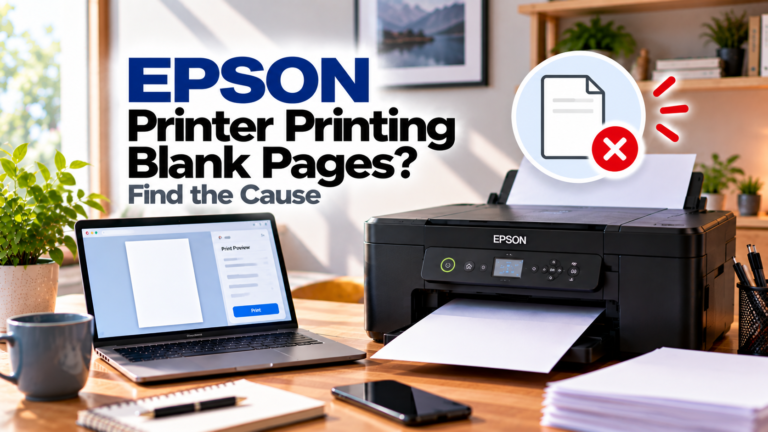
Is your Epson printer printing blank pages? Find out whether the problem is ink, clogged nozzles, print settings, paper or the document itself.
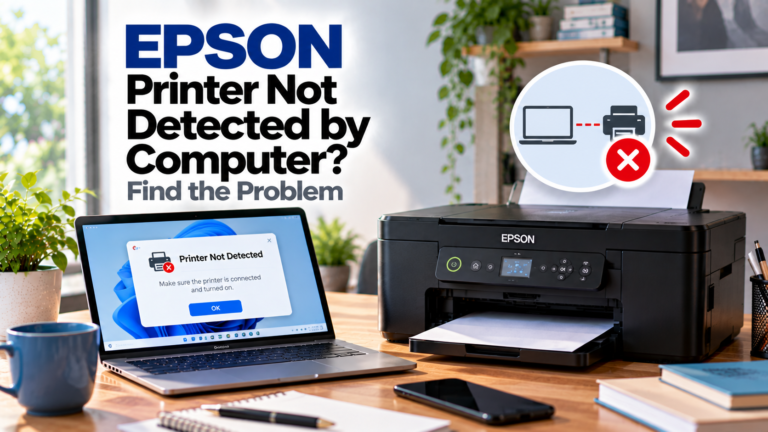
Is your Epson printer not detected by your computer? Find out whether the problem is USB, Wi-Fi, drivers, printer ports or network configuration.
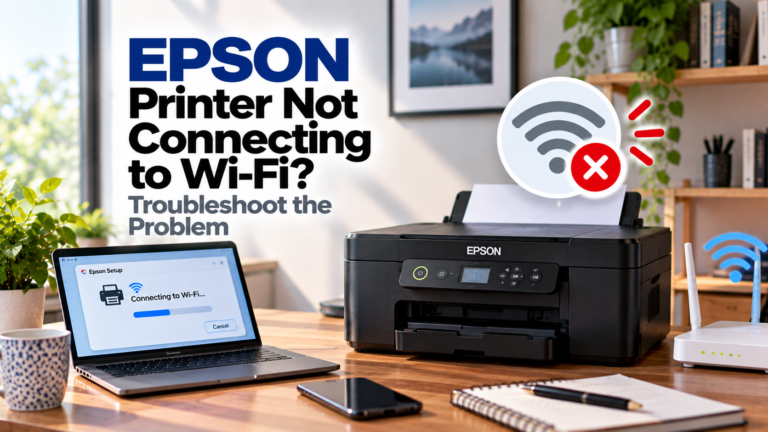
Is your Epson printer not connecting to Wi-Fi? Find out whether the problem is your network, password, router, signal, Wi-Fi band or printer settings.