Roku App Not Finding Your Roku Device? How to Fix It
If your Roku device is missing from the Roku mobile app, the problem may be network discovery rather than the app itself. Work through these checks to find and fix the cause.

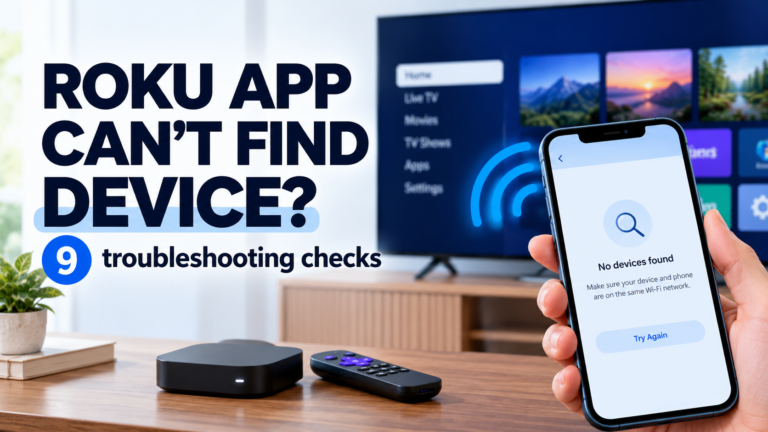
If your Roku device is missing from the Roku mobile app, the problem may be network discovery rather than the app itself. Work through these checks to find and fix the cause.
If your Roku keeps buffering, identify whether the problem affects every app or just one, check your Wi-Fi signal and follow practical fixes for smoother streaming.
A Roku black screen can come from the TV input, HDMI connection, power supply or display settings. Use the symptoms to diagnose the problem and find the right fix.
If your Roku keeps restarting, the pattern can reveal the cause. Learn how to diagnose power, overheating, software and Roku TV startup problems and choose the right fix.
Roku remote not working? First identify whether you have a Simple or Voice remote. Then follow the right troubleshooting path for unresponsive buttons, pairing, power, volume or voice problems.
If your Roku won’t connect to Wi-Fi, first determine whether it can’t reach your router or your router can’t reach the internet. Here’s how to diagnose the problem and fix it.