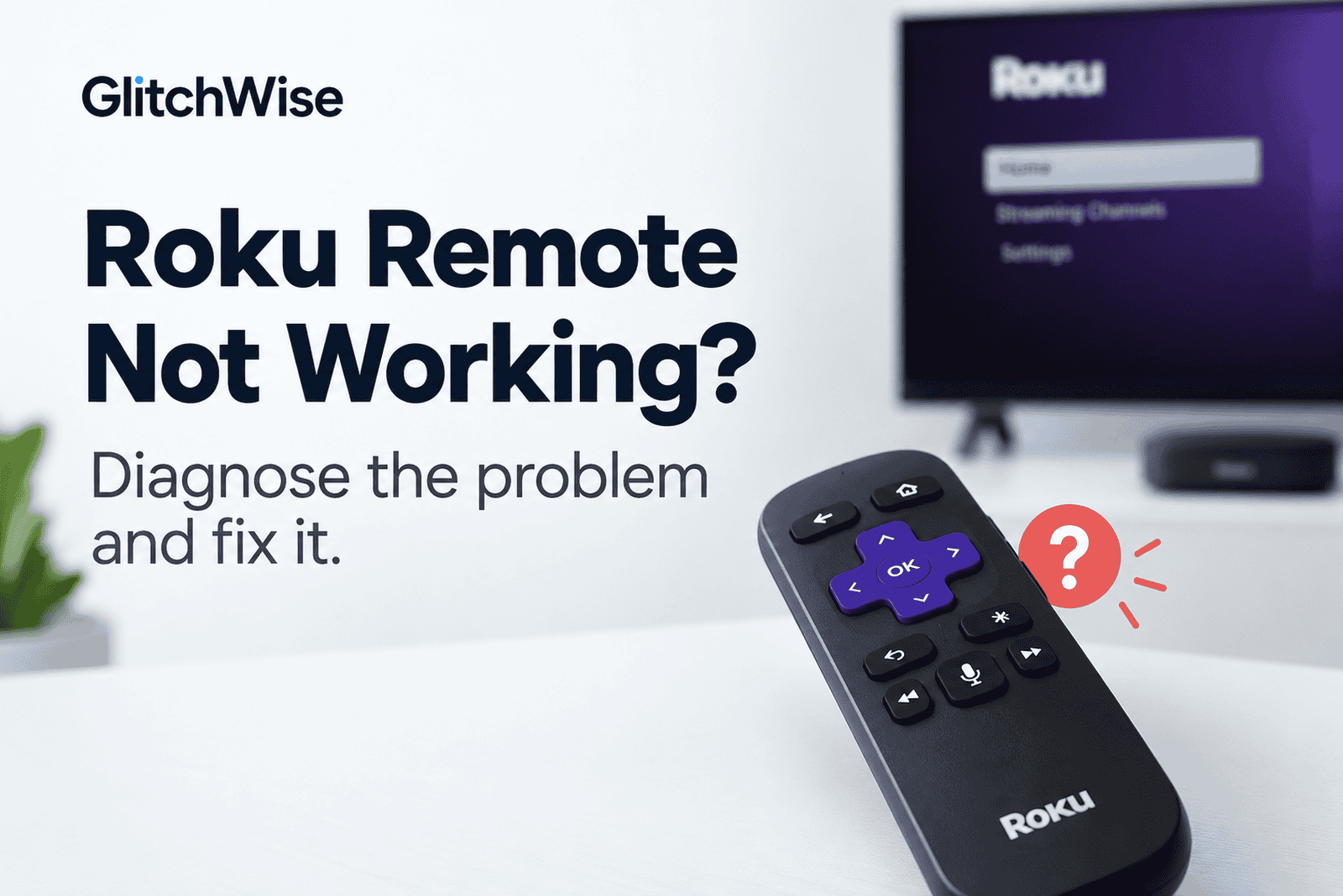
Roku Remote Not Working? Diagnose the Problem and Fix It
Roku remote not working? Before replacing it or repeatedly trying to pair it, check what type of remote you have.
That’s important because Roku remotes don’t all work the same way. A Simple remote uses infrared (IR) and needs a clear path to the Roku device. A Voice remote connects wirelessly and can be paired with the Roku.
So if you have a Simple remote, trying to “pair” it won’t solve anything—it doesn’t pair in the first place.
If the remote works but the Roku device itself cannot get online, follow our guide to Roku Wi-Fi connection problems.
Start by identifying your remote, then jump to the fix that matches what is actually going wrong.
First: Which Roku Remote Do You Have?
Look at the front of your remote.
No voice or microphone button?
You most likely have a Roku Simple remote.
It uses infrared and normally needs to be pointed toward the Roku device. There is no pairing process.
Has a microphone, voice or magnifying-glass button?
You have a Roku Voice remote.
It communicates wirelessly with the Roku, so you don’t normally need to point it directly at the player or TV. Voice remotes can also be paired or re-paired.
Once you know which remote you have, match your problem below.
Quick Diagnosis: What Is Your Roku Remote Doing?
| What you’re experiencing | Likely area to check | Go to |
|---|---|---|
| Simple/IR remote does nothing | Batteries or blocked IR signal | Go to Fix 1 → |
| Voice remote doesn’t respond | Power, connection or pairing | Go to Fix 2 → |
| Voice remote won’t pair | Pairing connection | Go to Fix 3 → |
| Navigation works but power/volume doesn’t | TV-control setup | Go to Fix 4 → |
| Buttons work slowly or intermittently | Battery, connection or interference | Go to Fix 5 → |
| Voice button works but commands don’t | Voice/CEC configuration | Go to Fix 6 → |
GlitchWise Tip: Don’t buy a replacement remote until you’ve identified whether the problem is with the remote itself, its connection to Roku, or simply its TV-control setup.
Fix 1: Roku Simple Remote Not Working
If you have a Simple remote, forget about pairing. Start with line of sight.
A Simple Roku remote sends an infrared signal to the device, so it needs an unobstructed path.
Point the remote directly at the Roku device and press a button.
If nothing happens, check whether anything is blocking the front of the Roku. A streaming player hidden behind the TV or inside a cabinet can prevent an IR remote from working reliably.
Try using the remote from a different angle and from closer to the device.
Check the batteries
If line of sight looks fine, replace the batteries with a fresh matching pair and make sure they’re inserted in the correct direction.
Then test the remote again.
Restart the Roku
Still nothing?
Unplug the Roku player from power, wait about five seconds, reconnect it and wait for the Home screen to return.
Then try the remote again. Roku recommends restarting the player as part of its Simple remote troubleshooting.
If moving closer or changing your angle makes the remote work, that strongly suggests an IR line-of-sight problem rather than a pairing problem.
Fix 2: Roku Voice Remote Not Responding
A Voice remote works differently. Because it connects wirelessly, pointing it more carefully at the Roku usually isn’t the answer.
Start with the remote’s power source.
If yours uses replaceable batteries, install fresh batteries.
If you have a rechargeable Roku remote, make sure it has enough charge.
Then restart your Roku device.
Once the Home screen appears, test the remote again.
If it still doesn’t respond, the remote may have lost its connection to the Roku. Move to Fix 3 and pair it again. Roku’s current troubleshooting sequence similarly checks power/restart before moving into pairing.
Fix 3: Roku Voice Remote Won’t Pair
First restart your Roku player or TV.
Once the Roku is back on, put the Voice remote into pairing mode.
If your remote has a pairing button
Look on the back of the remote or inside the battery compartment.
Press and hold the pairing button for about five seconds, until the status light begins flashing.
If there’s no pairing button
Press and hold:
Back + Home
for about five seconds, until the status light flashes.
Wait for the pairing message to appear on screen. Roku says the device and remote need to be in pairing mode at the same time for the process to complete.
Still won’t pair?
Bring the remote closer to the Roku and try again.
Also consider nearby electronics or interference if pairing repeatedly fails. Roku includes distance and interference among the things to check for persistent pairing problems.
Fix 4: Roku Remote Works but Volume or Power Doesn’t
This is a different problem.
If you can navigate Roku normally but the TV power or volume buttons don’t work, your remote is clearly communicating with the Roku.
The problem is more likely with TV control.
Go to:
Settings → Remotes & devices → Remotes → select your remote → Set up remote for TV control
Then follow the on-screen setup again.
Try pointing the remote directly at the TV
Some Roku remotes use infrared for TV power and volume even though they communicate wirelessly with the Roku player.
If power or volume starts working when you point directly at the TV’s sensor, that helps identify how those particular controls are being sent.
Check HDMI-CEC
If the TV-control setup still doesn’t work, check whether HDMI-CEC is enabled on your television.
Manufacturers use different names for CEC, so the setting may not literally be called “CEC.”
Also bear in mind that Roku notes that not every television supports every remote-control function. Some TVs may support volume but not power, for example.
Fix 5: Roku Remote Is Slow or Works Only Sometimes
An intermittent remote can be more frustrating than one that doesn’t work at all.
Start with the simple things:
Replace or recharge the batteries.
If you have a Simple/IR remote, also check line of sight. A marginal IR path can make the remote appear inconsistent because some button presses reach the Roku while others don’t.
If you have a Voice remote, restart the Roku and test again.
If the problem continues, try using the remote closer to the Roku. Wireless interference and distance can affect Voice remote communication and pairing.
The useful diagnostic question here is:
Does changing your position fix the problem?
If yes, investigate line of sight for a Simple remote or distance/interference for a Voice remote before assuming the buttons themselves are faulty.
Fix 6: Roku Voice button works but commands don’t
If ordinary remote buttons work but voice commands don’t, don’t troubleshoot the entire remote as if it were dead.
First test a simple voice request.
For push-to-talk, press the voice button, speak normally, then release it. Roku Voice Remote Pro models can also support hands-free voice features.
If you’re specifically trying to use voice commands for TV power or volume, check HDMI-CEC.
Roku says voice commands such as turning the TV off rely on CEC rather than IR.
That means a remote can work perfectly for Roku navigation while a TV-related voice command still fails.
Important: Stop If Your Roku Remote Feels Hot
This isn’t a normal remote-control troubleshooting problem.
If the back of the remote becomes unusually warm or hot, stop using it.
Roku advises placing a hot remote on a hard, non-flammable surface, allowing it to cool and avoiding handling hot batteries. Heat can indicate a battery problem.
Don’t continue repeatedly pressing buttons, charging it or trying the other fixes in this guide while the remote is hot.
Use the Roku Mobile App as a Temporary Remote
If the physical remote still isn’t working, the Roku mobile app can provide temporary controls while you troubleshoot or arrange a replacement.
There is one important limitation:
Your phone and Roku need to be able to communicate over the network.
If the Roku has been reset, is being set up for the first time, or isn’t connected to the network, the mobile app may not be able to discover it. Roku explicitly notes this limitation.
So the app is a useful fallback—but not a universal replacement for a remote during setup.
Quick Reference: Roku Remote Problem → What to Do
| Problem | Start here |
|---|---|
| Simple remote completely dead | Fix 1 |
| Simple remote works only when very close | Check IR line of sight |
| Voice remote doesn’t respond | Fix 2 |
| Voice remote won’t connect/pair | Fix 3 |
| Roku controls work, but TV volume doesn’t | Fix 4 |
| Roku controls work, but TV power doesn’t | Fix 4 |
| Remote is sluggish/intermittent | Fix 5 |
| Voice commands don’t work | Fix 6 |
| Remote becomes hot | Stop using it |
| Physical remote unavailable | Try Roku mobile app |
Frequently Asked Questions
Why is my Roku remote suddenly not working?
Start by identifying whether you have a Simple or Voice remote. For a Simple remote, check batteries and line of sight first. For a Voice remote, check battery/charge and its wireless connection to the Roku before trying to pair it again.
How do I know whether my Roku remote needs pairing?
A Roku Simple remote doesn’t pair. It uses infrared and needs to be pointed toward the Roku.
A Roku Voice remote connects wirelessly and can be paired or re-paired. A voice/microphone-style button is a useful way to distinguish a Voice remote from a Simple remote.
How do I pair a Roku remote without a pairing button?
For a compatible Roku Voice remote without a pairing button, press and hold Back + Home for about five seconds until the status light starts flashing.
Why does my Roku remote work except for volume?
If Roku navigation works but TV volume doesn’t, the remote itself may not be the problem. Run Set up remote for TV control again and check your television’s CEC settings if necessary.
Can I use my phone if my Roku remote isn’t working?
Yes, the Roku mobile app can act as a remote when it can discover your Roku on the network. However, it won’t solve situations where a reset or initial setup has left the Roku disconnected from the network.
Still Not Working?
At this point, look at what still works rather than simply concluding that the remote is dead.
If a Simple remote responds when you’re close to the Roku but not from your normal position, focus on line of sight.
If a Voice remote powers on but repeatedly refuses to pair, focus on the wireless connection and pairing process.
If navigation works but only TV power or volume fails, focus on TV-control setup rather than replacing the entire remote.
And if you’ve ruled those situations out and the remote still doesn’t respond, a replacement may be the practical next step. Before buying one, check that the replacement remote is compatible with your Roku model. Roku notes that compatibility varies between remotes and devices.
Documentation Checked
This guide was researched against current official Roku Support documentation covering Simple and Voice remote identification, remote troubleshooting, Voice remote pairing, TV power and volume controls, mobile-app remote control and battery safety.