MacBook Keyboard Not Working? Find the Cause
Are your MacBook keys unresponsive, repeating, or typing the wrong characters? Learn how to check keyboard settings, isolate software issues, and identify when a repair may be needed.

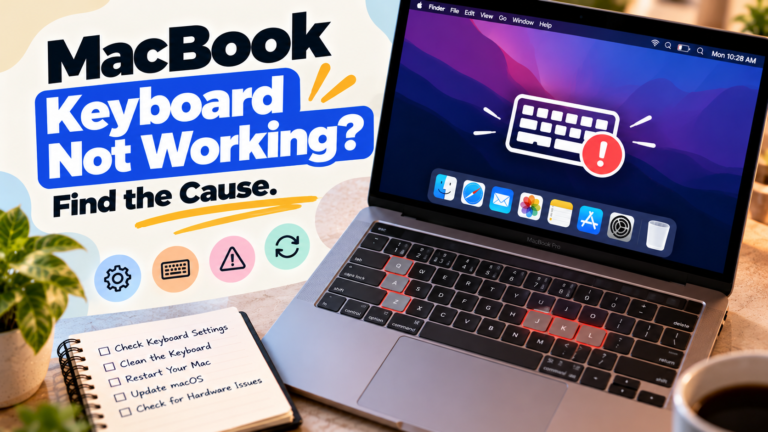
Are your MacBook keys unresponsive, repeating, or typing the wrong characters? Learn how to check keyboard settings, isolate software issues, and identify when a repair may be needed.
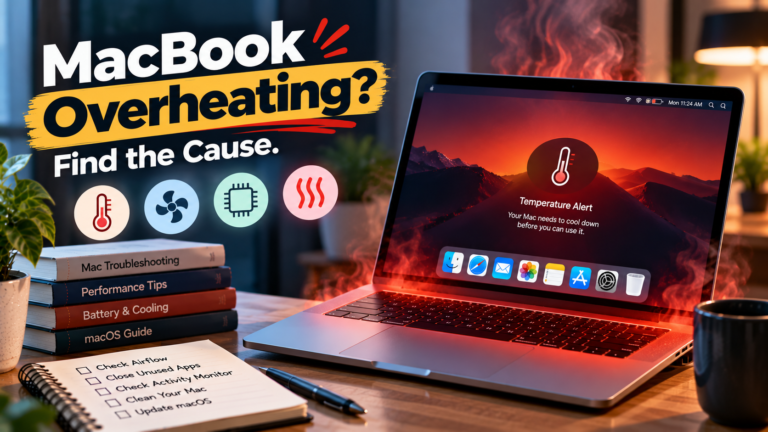
Is your MacBook getting unusually hot? Learn how to investigate demanding apps, background processes, charging, ventilation, and potential cooling problems.
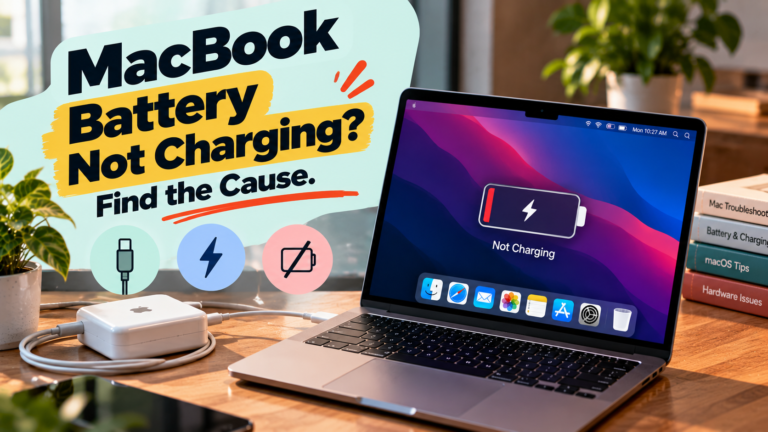
Is your MacBook plugged in but not charging? Learn how to check the power adapter, cable, battery settings, temperature, and charging port before arranging a repair.

Is your MacBook not turning on? Find out how to check the battery, charger, display, and startup process before deciding whether professional repair is needed.

Is your Mac refusing to open an app? Troubleshoot frozen launches, app crashes, compatibility issues, security warnings, and low storage with these practical fixes.
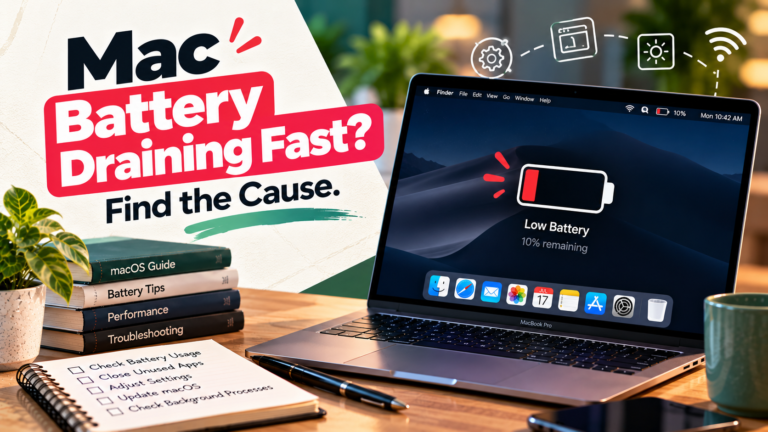
Is your MacBook losing charge faster than expected? Learn how to investigate energy-intensive apps, overnight battery drain, power settings and battery health.
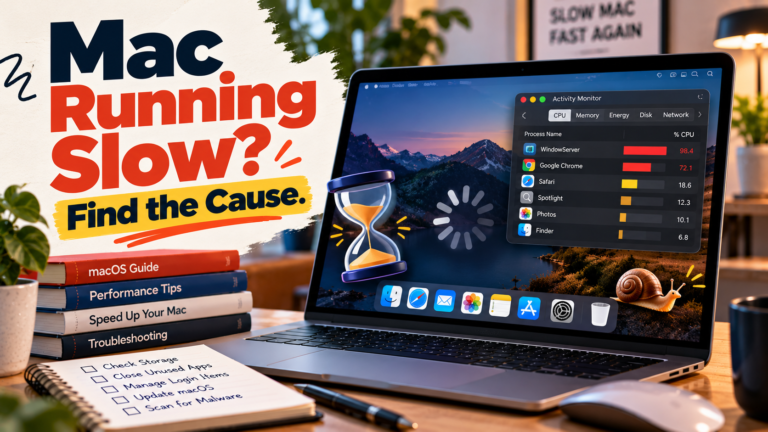
A slow Mac does not always need a reset or an upgrade. Learn how to identify the cause of sluggish apps, delayed startup and poor overall performance with practical diagnostic checks.

No sound from your Mac can point to an incorrect output, a muted application, an external device problem or a wider audio issue. Follow these checks to identify where playback is failing.

Bluetooth problems on a Mac can affect one accessory or the entire wireless service. Learn how to identify pairing failures, repeated disconnections, missing audio and other common connection issues.