YouTube Not Signing In on Smart TV? How to Fix It
Can’t sign in to YouTube on your smart TV? Troubleshoot QR codes, activation codes, phone-based sign-in, Google Account selection, and app problems.

Troubleshooting guides for streaming devices, platforms and apps, including connectivity, remotes, playback, setup, updates and common errors.
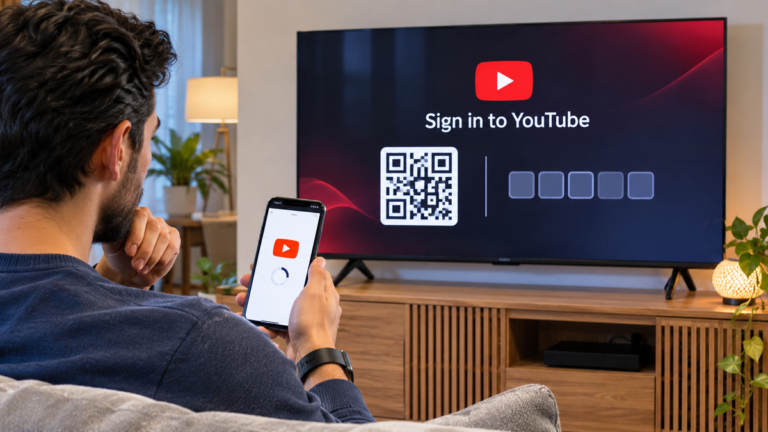
Can’t sign in to YouTube on your smart TV? Troubleshoot QR codes, activation codes, phone-based sign-in, Google Account selection, and app problems.
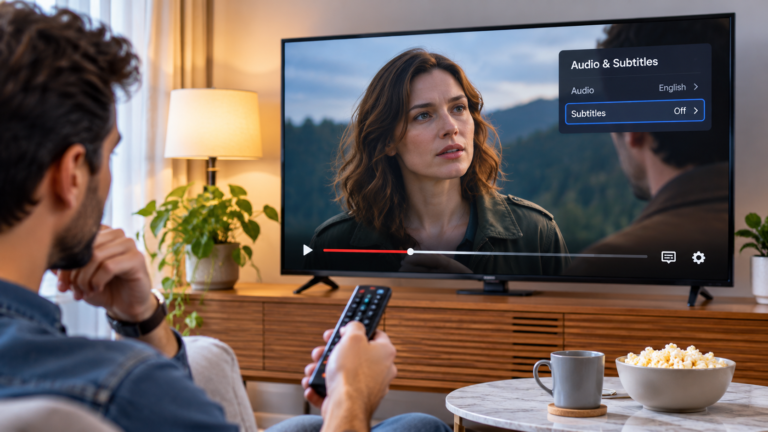
Netflix subtitles missing, displaying incorrectly, or refusing to turn off? Follow these checks for language availability, playback settings, profile preferences, and your TV app.
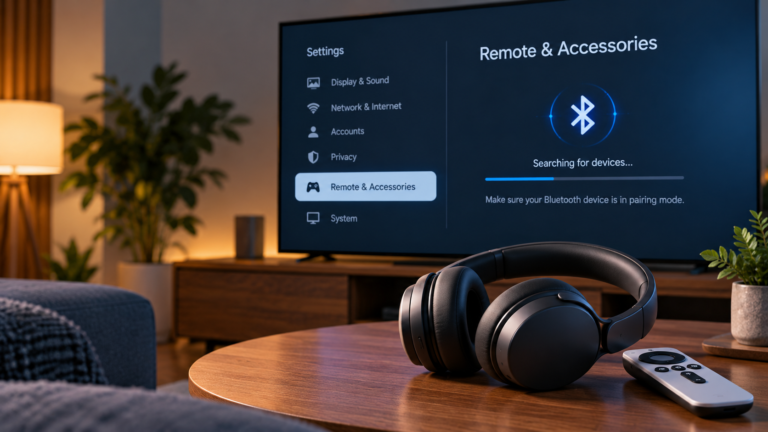
Bluetooth headphones won’t connect to Google TV? Find out why they may not appear, fail to pair, or refuse to reconnect—and work through safe troubleshooting steps.
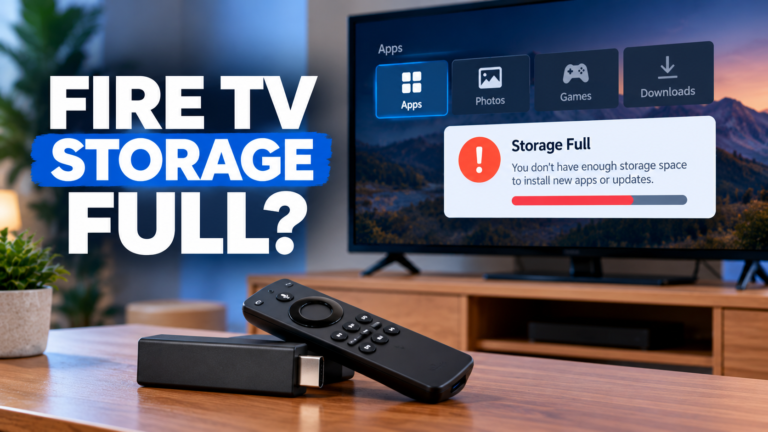
If your Fire TV Stick says storage is full, refuses to install an app, or keeps warning that there isn’t enough space for an update, you may not need to replace the device. Installed apps,…
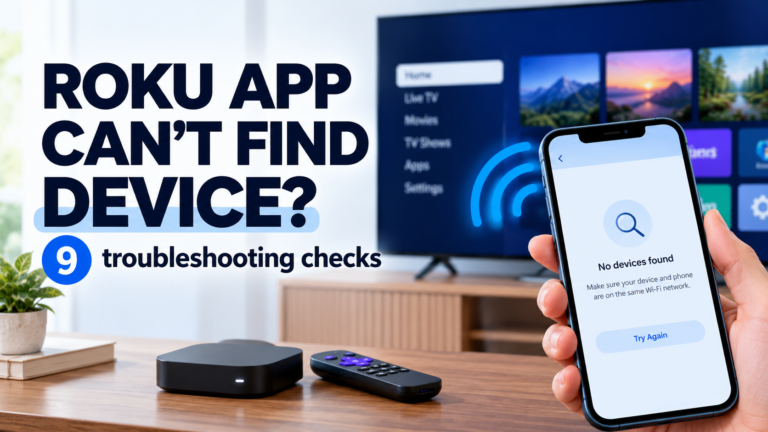
If your Roku device is missing from the Roku mobile app, the problem may be network discovery rather than the app itself. Work through these checks to find and fix the cause.
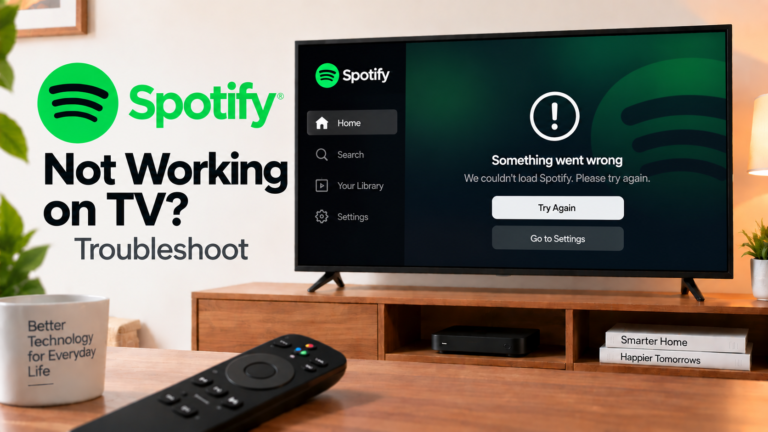
If Spotify isn’t working on your TV, identify whether the problem is the app, network, Spotify Connect or TV software and follow the relevant fix.
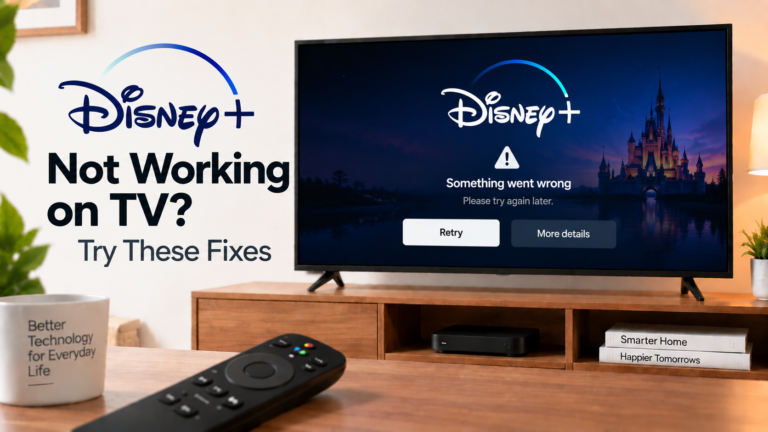
Disney+ not working on TV? Check whether the app won’t open, opens but won’t play content, keeps buffering or displays an error. Different symptoms point to different causes.
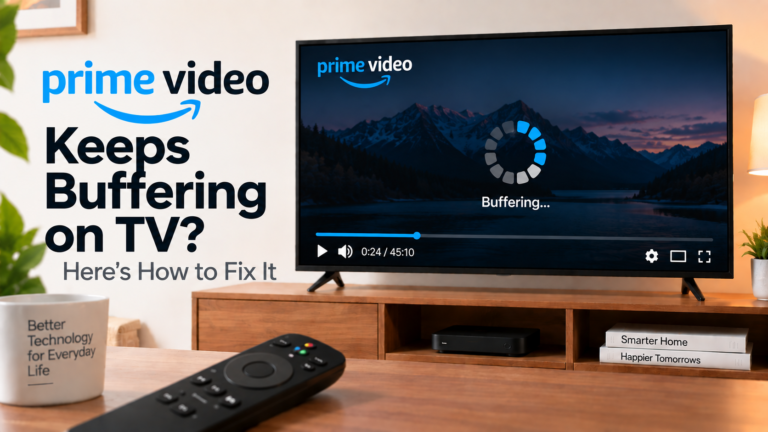
If Prime Video keeps buffering on your TV, identify whether the problem is your network, TV, app or video quality and troubleshoot the right cause.
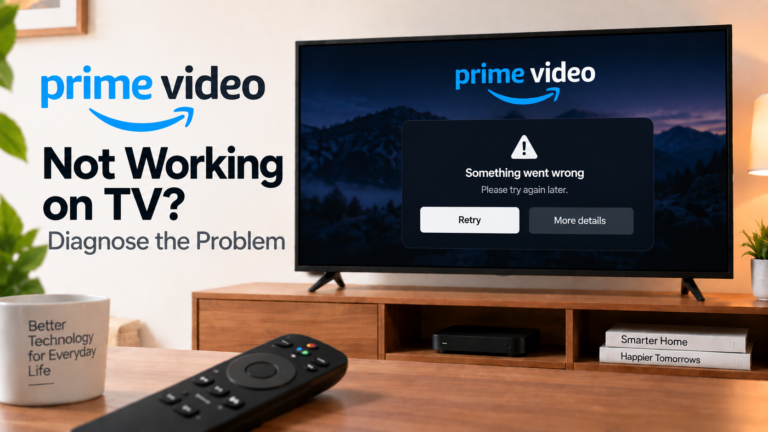
If Prime Video isn’t working on your TV, identify whether the issue is the app, internet, account or specific content and follow the right troubleshooting steps.