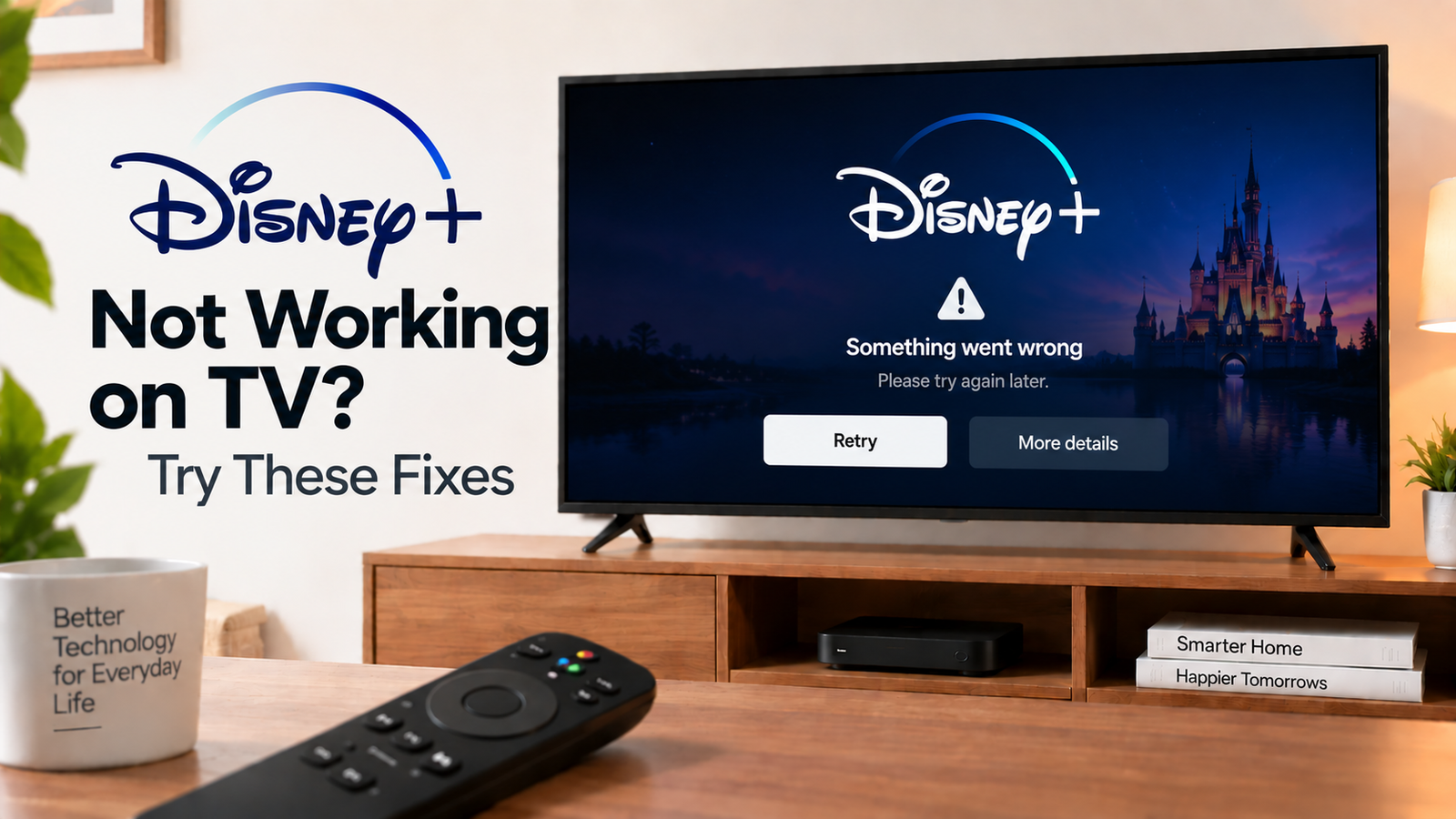
Disney+ Not Working on TV? Diagnose the Problem
Disney+ not working on TV? First determine whether the app won’t open, opens but won’t play content, keeps buffering or displays an error. Different symptoms point to different causes.
A useful first test is to open another streaming service. If other apps work normally, focus on Disney+. If several apps are failing, investigate the TV’s internet connection or software first.
Quick Diagnosis: Start Here
| What you’re seeing | Start here |
|---|---|
| Disney+ won’t open | Go to Fix 1 |
| Disney+ opens but content won’t play | Go to Fix 2 |
| Disney+ keeps buffering | Go to Fix 3 |
| Only one title has a problem | Go to Fix 4 |
| Other apps work normally | Go to Fix 5 |
| Disney+ suddenly stopped working | Go to Fix 6 |
| You can’t log in or activate the TV | Go to Fix 7 |
| Disney+ still doesn’t work | Go to Fix 8 |
Why This Happens
Disney+ can stop working because of:
- Internet connection problems
- Temporary app issues
- Outdated app or TV software
- Account or activation problems
- A problem with a specific title
- Device compatibility issues
- A wider TV problem
Fix 1: Restart Disney+
Close Disney+ and reopen it.
If your TV provides a force-stop option, use it before reopening the app.
If the app is frozen, restart the TV or streaming device.
Then try opening Disney+ again.
Fix 2: Check Your Internet Connection
Open another streaming service.
If other services also have playback problems, restart your router and check the TV’s network connection.
If Disney+ alone is affected, continue with the app troubleshooting steps.
You can also test Disney+ on another device connected to the same network.
Fix 3: Check for Buffering or Playback Problems
Try several different titles.
If all titles buffer, focus on your connection.
If one title buffers while others play normally, the issue may be specific to that content.
Reduce heavy network usage and test again.
If your TV uses Wi-Fi, check whether the router is too far away or the signal is obstructed.
Fix 4: Try Another Movie or Show
A single title failing does not necessarily mean Disney+ itself is broken.
Play another title.
If the second title works normally, note the original title and any error message displayed.
This gives you much more useful information than repeatedly restarting the entire TV.
Fix 5: Update Disney+ and Your TV
Check the TV’s app store for a Disney+ update.
Then check the TV or streaming device for a software update.
Install available updates and restart the TV.
An outdated app can develop compatibility problems as the service changes.
Fix 6: Refresh the Disney+ App
If Disney+ continues freezing or refusing to play content, check whether your TV allows you to:
- Force stop the app
- Clear cache
- Clear app data
- Uninstall the app
- Reinstall it
Use the least disruptive option first.
If you reinstall Disney+, use the official app store for your TV or streaming device.
Fix 7: Check Disney+ Login and Activation
If the problem occurs during sign-in, check your account details.
Disney+ supports TV activation through the app’s login process, including scanning a QR code or using the activation website and code displayed on the TV.
If you’ve been logged out, you may need to activate the TV again.
Make sure the TV has an active internet connection before starting the activation process.
Fix 8: Test Disney+ on Another Device
Open Disney+ on a phone, computer or another supported device.
If it works there but not on the TV, focus on the TV app, software, network or device compatibility.
If it fails across devices, investigate the account, network or service-level issue.
How to Prevent Disney+ Problems
- Keep Disney+ updated.
- Keep your TV software current.
- Maintain a stable network connection.
- Restart the TV if the app becomes unusually slow.
- Test another title before assuming the entire service is unavailable.
- Keep account credentials available if the TV needs to be reactivated.
Frequently Asked Questions
Why is Disney+ not working but YouTube works?
If YouTube works normally, the TV’s internet connection is probably functioning. Focus on Disney+, including its app version, stored data, account and device compatibility.
Why does Disney+ open but movies won’t play?
The app can open while playback fails because of network, app, account or content-specific problems. Test another title and restart the app.
Why does Disney+ keep buffering on my TV?
Unstable Wi-Fi or network congestion are common possibilities. Test other streaming apps and another device to determine whether the problem is broader.
Do I need to reinstall Disney+?
Not immediately. Restart the app and TV, check the network and install available updates first. Reinstall if the problem continues and your platform supports it.