Windows Update Error 0x80070005: How to Fix Access Denied
Update error 0x80070005 can prevent updates from installing because access to a required resource is denied. Follow these troubleshooting steps to identify and resolve the problem.

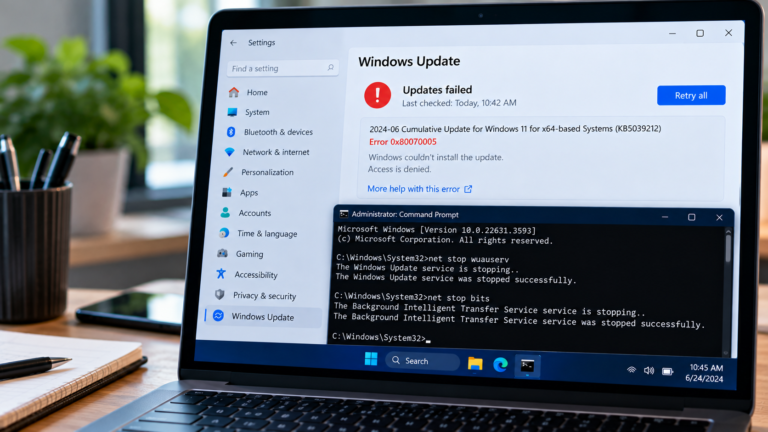
Update error 0x80070005 can prevent updates from installing because access to a required resource is denied. Follow these troubleshooting steps to identify and resolve the problem.
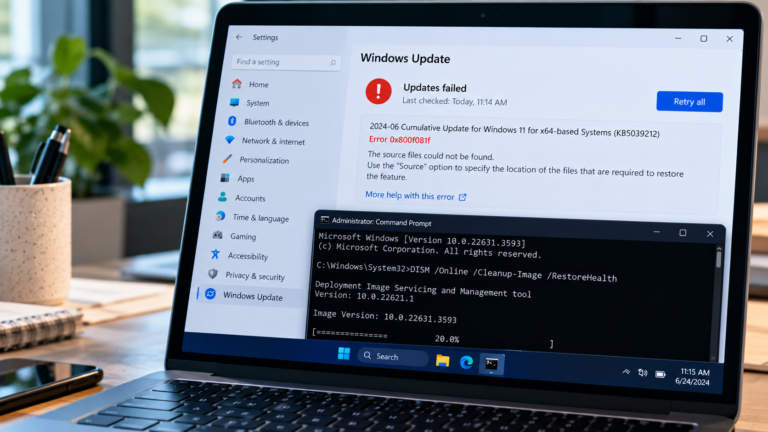
Windows Update error 0x800f081f means required source files could not be found. Learn how to troubleshoot update failures, repair Windows components, and resolve DISM source-file errors.

Webcam not detected, showing a black screen or failing in video calls? Find out whether the problem lies with Windows permissions, the app, the driver or the camera itself.

No audio from your Windows PC? Work out whether the issue comes from the selected output, headphones, one application, an audio driver or Windows itself.
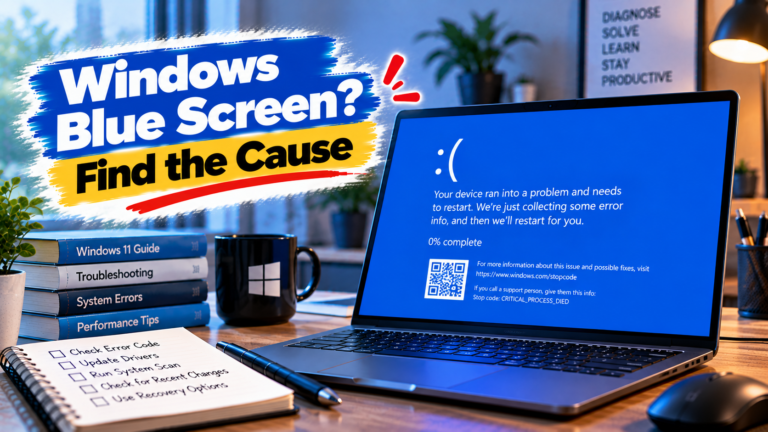
A blue screen can point to a driver conflict, unstable hardware or a Windows system problem. Learn how to use stop codes and crash records to narrow down the cause.

Random reboots can have several causes. Learn how to investigate restart loops, heat-related shutdowns, recent updates and Windows crash records to identify what’s going wrong.
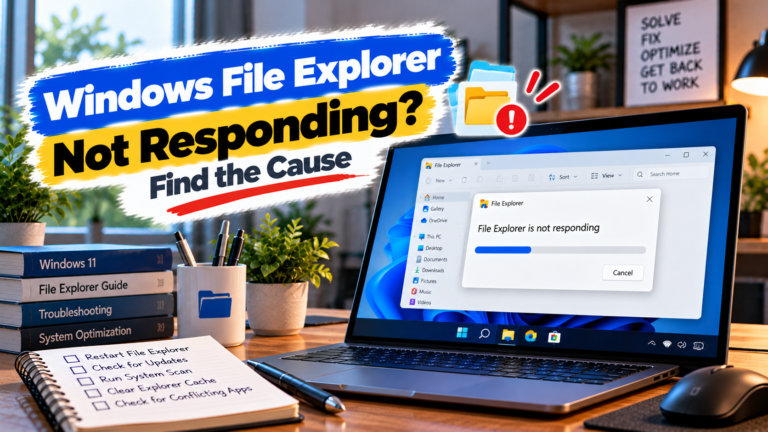
File Explorer keeps freezing or stops responding? Identify whether the problem is linked to a specific folder, external device, context menu or Windows itself.
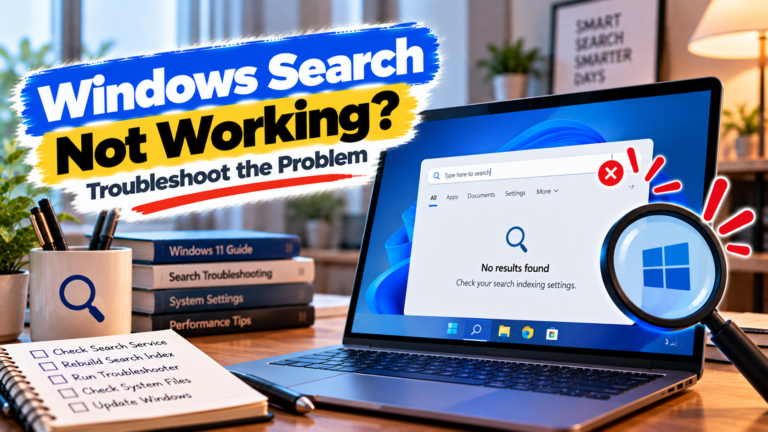
Windows Search not working or failing to find files? Find out whether the problem is indexing, file location, Windows Search or a recent system change.

Windows apps won’t open or keep closing? Diagnose whether the problem is with one application, multiple apps, your Windows account or the system itself.