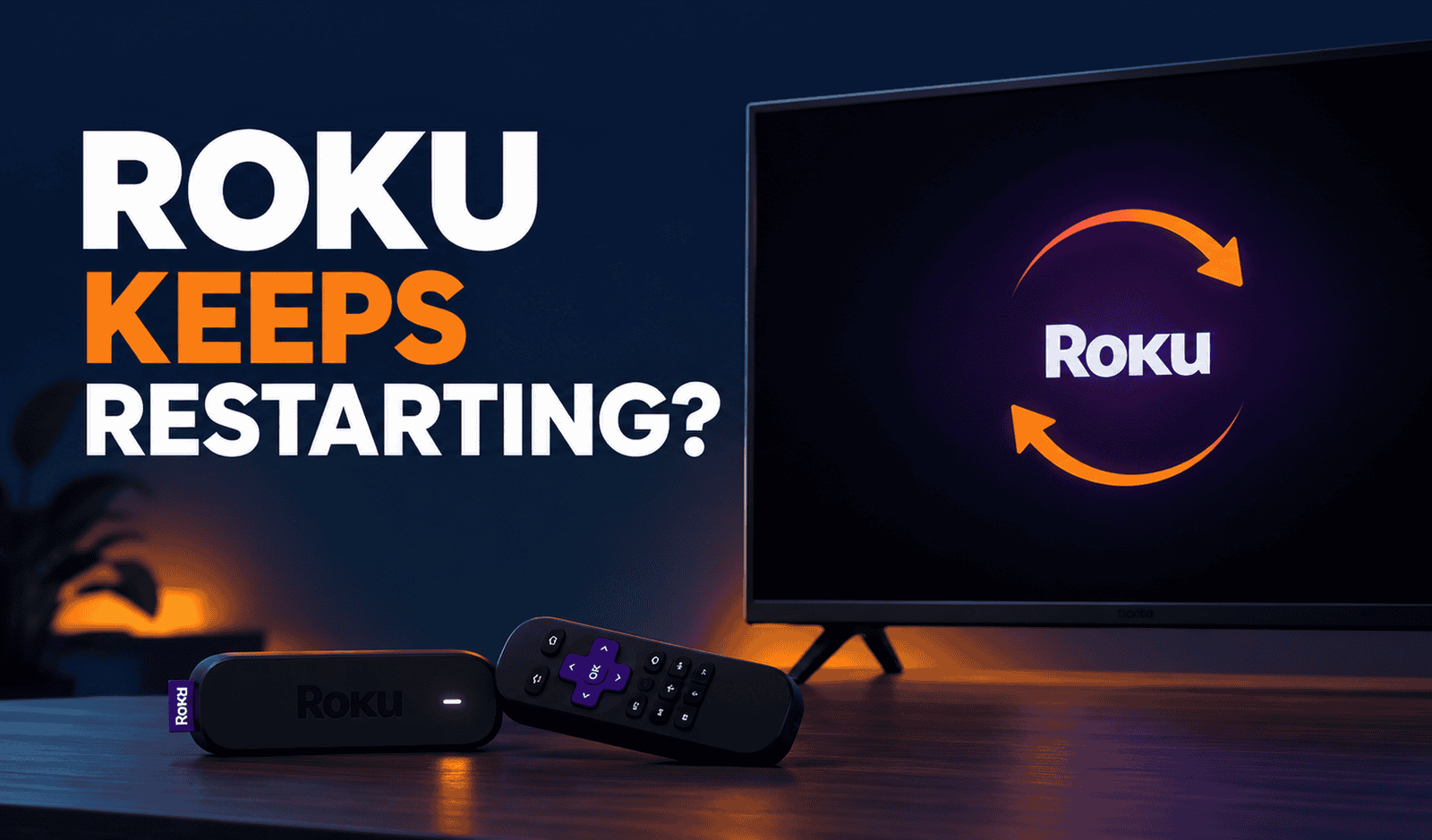
Roku Keeps Restarting? Diagnose the Problem and Fix It
A Roku that keeps restarting can be frustrating because the cause isn’t always obvious. Your Roku may restart occasionally while you’re watching something, repeatedly return to the Roku logo, or never finish starting at all.
Those symptoms aren’t necessarily the same problem. A Roku streaming player that randomly reboots can have a power or overheating issue, while a Roku TV repeatedly cycling through its startup screen may be having trouble loading its software correctly.
If your Roku starts normally but streaming keeps interrupting with a loading circle, see our guide to Roku buffering problems.
The quickest way forward is to identify exactly what your Roku is doing and start with the most relevant fix.
Quick Diagnosis: Start Here
| What you’re seeing | Start here |
|---|---|
| Roku randomly restarts while you’re using it | Go to Fix 1 |
| Roku shows a flashing red light or low-power warning | Go to Fix 2 |
| Roku feels unusually hot or shows a solid red light | Go to Fix 3 |
| Roku reaches the home screen but keeps restarting | Go to Fix 4 |
| Roku TV repeatedly shows the logo and restarts | Go to Fix 5 |
| Roku TV is still stuck in a restart loop after a reset | Go to Fix 6 |
Why This Happens
If your Roku keeps restarting, the likely cause depends on when and how the restart happens.
Common causes include:
- An unstable or insufficient power supply
- Powering a Roku player from a TV USB port that cannot provide enough power
- Overheating
- A temporary software problem
- Roku software failing to load correctly
- A problem occurring during or after a software update
- A more serious Roku TV software or hardware problem
The pattern matters. If your Roku works normally for some time before restarting, start by looking at power and heat. If a Roku TV cannot get beyond the startup logo, the problem is more likely related to startup or software recovery.
Fix 1: Power-Cycle Your Roku
Start with a complete power cycle. This is different from simply turning your TV off and back on.
For a Roku streaming player:
- Disconnect the Roku from power.
- Wait about 10 seconds.
- Reconnect the power.
- Allow Roku to start completely.
- Use it normally and see whether the restarting returns.
For a Roku TV:
- Unplug the TV from the wall outlet.
- Leave it unplugged for about 60 seconds.
- Plug it back in.
- Turn the TV on and check whether it starts normally.
If the Roku immediately begins restarting again, move on rather than repeatedly power-cycling it.
Fix 2: Check How Your Roku Is Being Powered
This is particularly important for Roku streaming players.
Some Roku devices can receive power through a TV’s USB port, but not every TV USB port supplies enough power consistently. If the Roku isn’t getting enough power, it may crash, restart or display a low-power warning.
Look for these signs:
- A flashing red light on the Roku player
- A “low power” or “insufficient power” warning
- Restarts that happen unpredictably
- Problems that started after changing the USB cable or power source
If your Roku is powered through your TV’s USB port, try connecting it to a wall outlet using the appropriate Roku power cable and adapter instead.
Also check that the power cable is firmly connected.
If changing the power source stops the restarts, insufficient power was likely the problem.
Fix 3: Check Whether the Roku Is Overheating
Heat can also cause Roku devices to behave abnormally.
Check whether the Roku feels unusually hot or is positioned somewhere with poor airflow, such as:
- Behind a TV in a confined space
- Inside a closed entertainment cabinet
- Directly on top of other warm electronics
- Close to a router, game console or other heat-producing device
A solid red light on supported Roku players can indicate overheating.
If overheating appears to be the problem:
- Unplug the Roku from power.
- Allow it to cool.
- Move it to a better-ventilated position.
- Keep it away from other heat-producing electronics.
- Reconnect it and see whether the restarting returns.
Don’t continue running a Roku that repeatedly reports an overheating condition.
Fix 4: Perform a System Restart
If your Roku stays on long enough to navigate the menus, perform a system restart from Roku’s settings.
Go to:
Settings → System → Power → System restart
If your Roku doesn’t show a Power submenu, look for System restart directly under Settings → System.
Select Restart and allow Roku to reboot.
A system restart can help when the Roku interface is still accessible but the device has become unstable.
If the Roku continues restarting after the system restart, pay attention to whether the problem occurs only during a particular activity or happens even when the Roku is sitting on the home screen.
Fix 5: Reset a Roku TV That Is Stuck in a Restart Loop
This fix is specifically for a Roku TV that repeatedly displays the Roku or TV manufacturer’s logo and then starts over again.
Before doing this, remember that a factory reset is disruptive. It removes your settings and personal information and requires you to set the TV up again.
If your Roku TV cannot remain running long enough to use the normal settings menu, look for the physical Reset button on the back or bottom of the TV.
The exact reset method can vary between Roku TV models. Some use a tactile or pinhole Reset button, while certain models use a combination of physical buttons instead.
If your TV has a Reset button:
- Make sure the TV is powered on.
- Locate the Reset button.
- If it’s a pinhole button, use a paperclip or similar object.
- Press and hold the button according to the instructions for your Roku TV model.
- Allow the TV to restart.
Because the reset procedure can differ by model, don’t assume that every Roku TV uses exactly the same button combination.
After a factory reset, you’ll need to complete Roku’s setup process again.
Fix 6: Use Recovery Mode on a Roku TV
If your Roku TV still keeps restarting or remains stuck on its logo after the simpler steps, some Roku TV models support Recovery Mode.
Recovery Mode is more invasive than a normal restart or factory reset because it can reinstall the Roku operating software.
Use it only after the earlier troubleshooting steps have failed.
On Roku TVs that support Recovery Mode:
- Locate the physical Reset button on the back or bottom of the TV.
- With the TV powered on, press and hold the Reset button.
- Continue holding it until the TV restarts and displays the Recovery Mode screen.
- Follow the on-screen instructions.
- Connect the TV to Wi-Fi when prompted.
- Choose the option to update and reinstall the Roku software.
- Allow the process to finish without disconnecting power.
Not every Roku TV supports Recovery Mode.
If your TV doesn’t enter Recovery Mode, continues restarting after recovery, or cannot complete the recovery process, the problem may require assistance from Roku or the TV manufacturer.
At that point, repeatedly factory-resetting the TV is unlikely to be useful.
How to Prevent Roku Restarting Problems
Not every Roku restart can be prevented, particularly when the cause is a software or hardware fault. A few habits can reduce avoidable problems:
- Use the recommended power cable and adapter for your Roku player.
- Avoid relying on an underpowered TV USB port if the Roku shows power warnings.
- Keep the Roku in a well-ventilated location.
- Don’t place the device directly against other heat-producing electronics.
- Avoid disconnecting power while Roku is installing an update.
- Keep Roku software updated.
- Replace damaged or unreliable power cables rather than continuing to use them.
Most importantly, don’t ignore repeated low-power or overheating warnings. They provide useful clues about why the Roku keeps restarting.
Frequently Asked Questions
Why does my Roku keep restarting by itself?
Power problems, overheating and software issues can all cause a Roku to restart. Start by noticing the pattern. If you’re using a Roku streaming player powered from the TV’s USB port, check the power source first. If a Roku TV repeatedly gets stuck on its startup logo, software recovery may eventually be required.
Can a weak power supply make Roku restart?
Yes. A Roku streaming player that doesn’t receive sufficient power can behave unpredictably, including crashing or restarting. A flashing red light or low-power warning is an especially strong indication that you should check the power source.
Why does my Roku keep showing the logo and restarting?
If a Roku TV repeatedly displays its logo and starts over, its software may not be loading correctly. Try a complete power cycle first. If the loop continues, a factory reset or, on supported Roku TV models, Recovery Mode may be necessary.
Does a red light on Roku mean it is overheating?
It depends on the light. A flashing red light can indicate insufficient power on supported Roku players, while a solid red light generally points to overheating.
Will factory resetting Roku delete everything?
Yes. A factory reset removes your personal settings and returns the Roku to a factory-new state. You’ll need to complete setup again and sign back into streaming services where required.
Should I factory reset my Roku if it restarts occasionally?
Not immediately. Start with less disruptive troubleshooting such as restarting the device, checking its power source and checking for overheating. Factory reset should be reserved for persistent problems that haven’t responded to simpler fixes.
What if my Roku still keeps restarting after a factory reset?
For a supported Roku TV, Recovery Mode may be the next troubleshooting step because it can reinstall the Roku software. If recovery isn’t available or doesn’t solve the problem, contact Roku Support or the manufacturer of your Roku TV.