Epson Printer Offline? Get It Back Online
Is your Epson printer showing offline? Diagnose Windows, Wi-Fi, USB, print queue and Epson driver problems with these practical fixes.

Troubleshooting guides for printers and scanners, including connectivity, setup, printing, scanning, software and common error problems.
Is your Epson printer showing offline? Diagnose Windows, Wi-Fi, USB, print queue and Epson driver problems with these practical fixes.
Is your Epson printer not printing? Find out whether the problem is the printer, connection, print queue, Windows settings or Epson driver.
Is your Canon printer not scanning? Find out whether the problem is the connection, scanner driver, Canon scan software, network or computer.
Is your Canon printer showing a paper jam? Find out where the paper is stuck, clear it safely and prevent the same problem from happening again.
Is your Canon printer printing slowly? Find out whether print settings, large files, the connection, print queue or printer software is causing the delay.
Is your Canon printer printing blank pages? Find out whether the problem is ink, clogged nozzles, the print head, paper, settings or the document.
Is your Canon printer not detected by your computer? Find out whether the problem is USB, Wi-Fi, drivers, firewall settings or the printer setup.
Is your Canon printer not connecting to Wi-Fi? Find out whether the problem is the wireless network, password, router, firewall or printer setup.
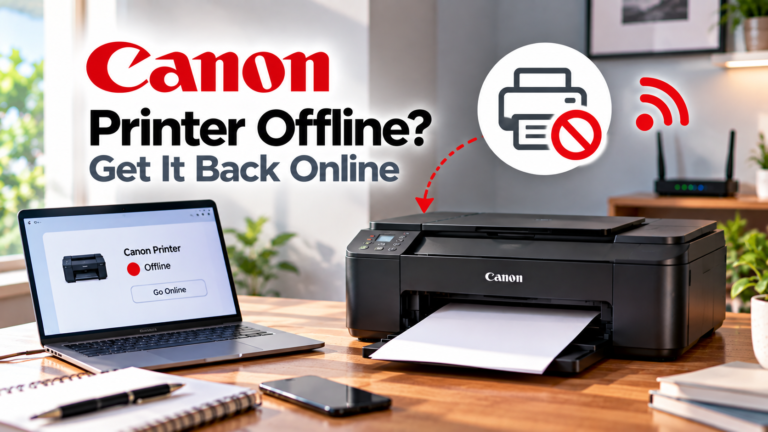
If your Canon printer is offline, check the network, printer status and wireless configuration to restore the connection.