
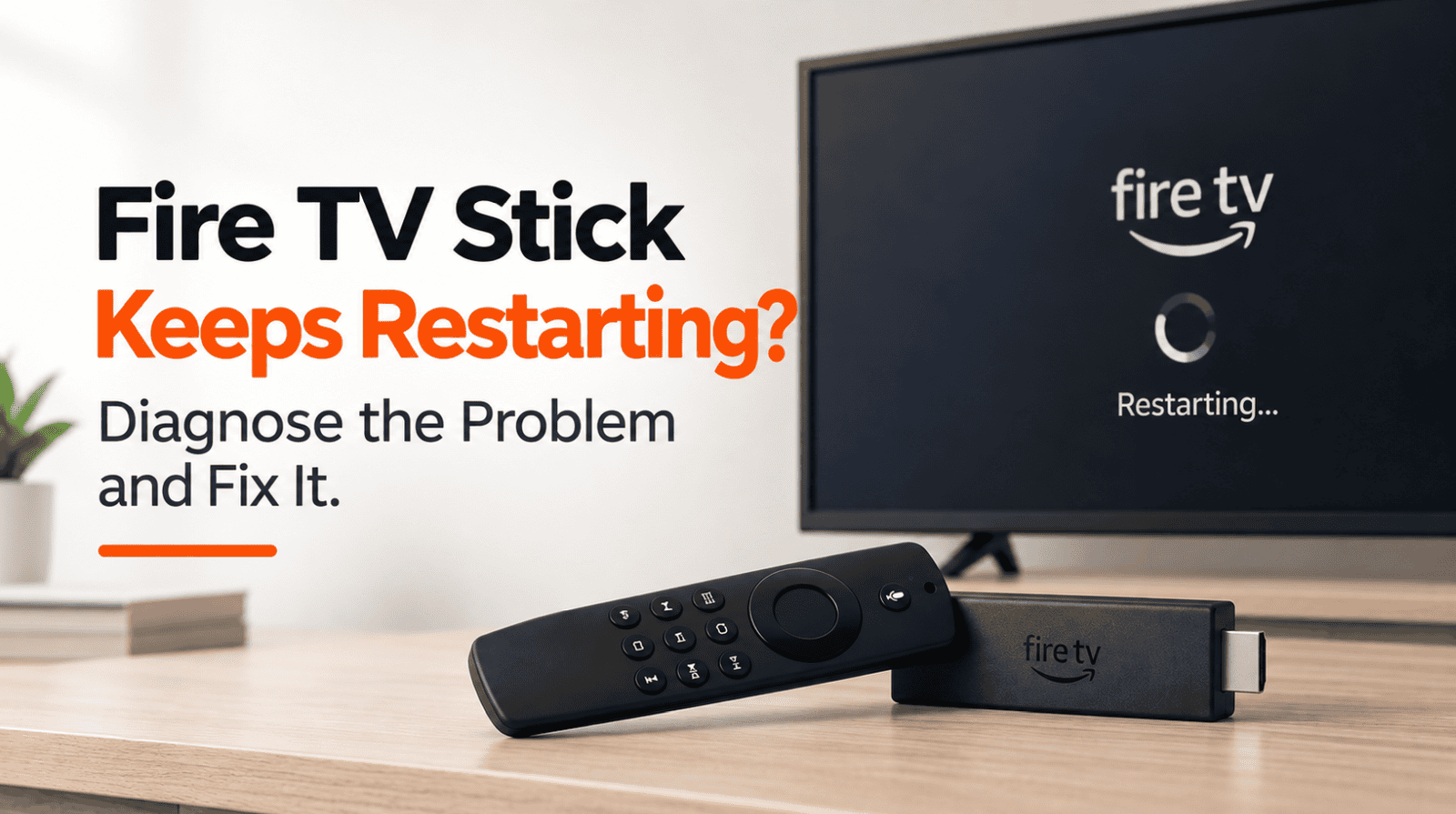
Fire TV Stick Keeps Restarting? Diagnose the Problem and Fix It
Your Fire TV Stick starts normally, shows the Fire TV logo, and then suddenly restarts. Or perhaps it works for a few minutes before rebooting and repeating the same cycle.
A Fire TV Stick that keeps restarting doesn’t automatically mean the device has failed.
Power problems are one of the first things to check, especially if the Fire TV Stick is powered through your TV’s USB port. Software problems, overheating, connected HDMI equipment, or a deeper device issue can also cause repeated restarts.
The quickest approach is to look at when the restart happens and start with the most relevant fix below.
Quick Diagnosis: Start Here
| What you’re seeing | Start with |
|---|---|
| Fire TV keeps restarting randomly | Go to Fix 1 |
| Fire TV is powered from the TV’s USB port | Go to Fix 1 |
| Fire TV is stuck in a continuous restart loop | Go to Fix 2 |
| Restarting began after changing a cable or adapter | Go to Fix 3 |
| Fire TV feels unusually hot | Go to Fix 4 |
| Fire TV is connected through a hub, receiver, or other HDMI equipment | Go to Fix 5 |
| Fire TV stays on long enough to use Settings | Go to Fix 6 |
| Restarting seems connected to a particular app | Go to Fix 7 |
| Nothing else has stopped the restarting | Go to Fix 8 |
Why This Happens
A Fire TV Stick that keeps restarting can have several possible causes.
Common possibilities include:
- The Fire TV Stick isn’t receiving sufficient or stable power.
- The power cable or adapter has a problem.
- Fire TV has encountered a temporary software problem.
- The device is getting too hot.
- Connected HDMI equipment is interfering with normal operation.
- Fire TV software needs updating.
- An app is crashing or behaving incorrectly.
- Fire TV needs to be reset.
- The device itself may have developed a hardware problem.
Because power is easy to check and can directly affect Fire TV operation, start there before resetting the device or changing multiple settings.
Fix 1: Check How Your Fire TV Stick Is Powered
If your Fire TV Stick keeps restarting, check its power source first.
Look at the USB power cable connected to the Fire TV Stick.
Where does the other end go?
If it’s connected to a USB port on your television, move it to an appropriate power adapter connected to a wall outlet.
Amazon notes that Fire TV can detect insufficient power from a TV’s USB port and may display a low-power notification. Amazon recommends using a suitable power adapter when the TV’s USB connection isn’t providing enough power.
After changing the power source:
- Disconnect the Fire TV Stick from power.
- Wait about 60 seconds.
- Connect it to the power adapter.
- Plug the adapter into a wall outlet.
- Allow Fire TV to boot completely.
Watch it for a few minutes.
If the restarting stops, power was likely the issue.
If it continues, check the cable and adapter next.
Fix 2: Power-Cycle the Fire TV Stick
If Fire TV is repeatedly restarting, perform a full power cycle rather than simply returning to the Home screen.
- Unplug the Fire TV Stick from power.
- Wait at least 60 seconds.
- Plug it back in.
- Allow the Fire TV Stick to start completely.
If the Fire TV interface stays responsive long enough, you can also restart it from:
Settings → My Fire TV → Restart
On some devices, the menu may appear as:
Settings → Device & Software → Restart
If Fire TV is frozen but still responding to the remote, press and hold:
Select + Play/Pause
for about five seconds to force a restart.
If the Fire TV immediately enters another restart loop, continue to the power-equipment checks.
Fix 3: Check the Power Cable and Adapter
A wall outlet won’t help if the cable or adapter supplying the Fire TV Stick is faulty or unsuitable.
Check the entire power connection.
Look for:
- A loose USB connection
- A damaged or bent cable
- A loose power adapter
- A damaged connector
- An adapter that wasn’t intended for the Fire TV device
Amazon recommends using the power cable and adapter included with the Fire TV device and advises replacing missing equipment with compatible Amazon-branded equipment.
Also try another working wall outlet.
Avoid changing several components at once if possible. Testing one thing at a time makes it easier to identify what actually caused the problem.
If the Fire TV Stick still keeps restarting with a stable power connection, move to Fix 4.
Fix 4: Check Whether the Fire TV Stick Is Getting Too Hot
Fire TV devices can become warm during normal operation.
However, excessive heat can affect device performance. Amazon’s developer documentation also notes that Fire TV devices can reboot as a protective measure if temperature continues rising to unsafe levels.
If the Fire TV Stick feels unusually hot:
- Disconnect it from power.
- Allow it to cool down.
- Check whether it’s positioned in an unusually hot or enclosed area.
- Keep it away from other heat-producing equipment.
- Reconnect it after it has cooled.
Don’t cover the Fire TV Stick or place it where heat becomes trapped.
Amazon’s safety guidance also says Fire TV devices should not be exposed to extreme heat or installed near heat sources.
If the restarting returns quickly even when the device is cool, overheating may not be the main cause.
Fix 5: Remove HDMI Hubs and Other Intermediate Equipment
If your Fire TV Stick is connected through other equipment, simplify the setup temporarily.
This may include:
- HDMI hubs
- HDMI switches
- A/V receivers
- Soundbars
- HDMI splitters
- Other adapters
Disconnect the Fire TV Stick and plug it directly into an HDMI port on the television.
Keep the Fire TV connected to its normal power adapter.
Then turn on the television, select the correct HDMI input, and test the Fire TV again.
Amazon recommends bypassing an HDMI hub and connecting Fire TV directly to the television when troubleshooting device and display problems.
If the restarting stops, reconnect your other equipment one device at a time to identify which part of the setup is contributing to the problem.
Fix 6: Check for Fire TV Software Updates
If your Fire TV Stick stays on long enough to navigate Settings, check for software updates.
Go to:
Settings → My Fire TV → About → Check for Updates
Depending on the Fire TV model, you may instead see:
Settings → Device & Software → About
Fire TV devices normally download software updates automatically when connected to the internet.
If an update is available, install it and allow Fire TV to restart as required.
Then monitor the device to see whether the unexpected restarting returns.
If Fire TV restarts too quickly for you to reach Settings, skip this step and continue troubleshooting.
Fix 7: Check Whether an App Is Triggering the Problem
Pay attention to when the Fire TV Stick restarts.
Does it happen randomly?
Or does it consistently happen after opening the same app?
If the problem seems linked to one app, go to:
Settings → Applications → Manage Installed Applications
Select the affected app.
Try clearing its cache first.
If the problem continues, you can remove and reinstall that app.
This step makes the most sense when Fire TV otherwise works normally and the restarting repeatedly happens while using a specific application.
If the Fire TV Stick restarts even when you’re simply sitting on the Home screen, the problem is less likely to be isolated to one app.
Fix 8: Factory Reset the Fire TV Stick
A factory reset should be one of the last troubleshooting steps.
It removes your account information and settings from the Fire TV Stick, and you’ll need to set up the device again afterward.
If Fire TV stays on long enough to use Settings, go to:
Settings → My Fire TV → Reset to Factory Defaults
or, on some models:
Settings → Device & Software → Reset to Factory Defaults
Before resetting, make sure you’ve already checked:
- Power source
- Power cable and adapter
- Wall outlet
- Device temperature
- HDMI equipment
- Fire TV software
- App-specific problems
If your Fire TV Stick still keeps restarting after a factory reset, particularly when connected directly to the television with a stable power source, the problem may be with the device itself.
At that stage, further repeated resets are unlikely to tell you much more.
How to Prevent Fire TV Stick Restarting Problems
Not every restart can be prevented, but a few habits can reduce avoidable problems.
Use a reliable power source
Use the appropriate Fire TV power equipment rather than depending on a TV USB port that may not provide sufficient power.
Keep the device ventilated
Fire TV devices can become warm during normal use. Avoid enclosing the Stick or positioning it immediately beside equipment that produces significant heat.
Keep Fire TV software updated
Fire TV devices automatically receive software updates when they’re connected to the internet. If you’re troubleshooting unusual behavior, you can also manually check for an update from Settings.
Check cables before resetting the device
If restarting begins suddenly, inspect the power connection before assuming Fire TV software is corrupted.
Pay attention to when the restart happens
A Fire TV Stick that restarts immediately after powering on points you toward a different problem than one that consistently restarts only while using a particular app.
That distinction can save you a lot of unnecessary troubleshooting.
Frequently Asked Questions
Why does my Fire TV Stick keep restarting by itself?
Start by checking the power source. Insufficient or unstable power, a cable or adapter problem, software issues, excessive heat, or a device fault can all contribute to repeated restarting.
Can powering a Fire TV Stick from the TV’s USB port cause problems?
It can if the USB port doesn’t provide sufficient power. Amazon’s Fire TV troubleshooting specifically addresses low-power conditions from TV USB ports and recommends using a power adapter when necessary.
Why does my Fire TV Stick keep restarting at the logo?
If the Fire TV Stick repeatedly displays the logo, disappears, and shows the logo again, it is likely restarting in a loop rather than simply freezing during startup.
First, check the power adapter and cable, particularly if the device is powered through your TV’s USB port. Then disconnect the Fire TV Stick from power for about 60 seconds before reconnecting it.
If the device reaches the Home screen but restarts later, follow the other troubleshooting steps in this guide to investigate overheating, software issues or an app-triggered restart.
If it never reaches the Home screen, use our Fire TV Stick Stuck on Logo guide for startup-specific troubleshooting.
Can overheating make a Fire TV Stick restart?
Fire TV devices can get warm during normal use, but excessive heat can affect operation. Amazon’s technical documentation notes that a Fire TV device can reboot as a protective measure if its temperature continues rising.
Why does my Fire TV restart when I open an app?
If the restart consistently happens with one app while everything else works normally, try clearing that app’s cache or reinstalling it. If Fire TV restarts regardless of which app you’re using, investigate power and device-level causes instead.
Should I factory reset a Fire TV Stick that keeps restarting?
Not immediately. Check the power source, cable, adapter, temperature, HDMI setup and available software updates first. A factory reset removes your settings and should be reserved for cases where the simpler fixes haven’t worked.
What if my Fire TV Stick keeps restarting after a factory reset?
If the Fire TV Stick still repeatedly restarts after a factory reset while using a stable power source and direct HDMI connection, a device-level problem becomes more plausible. Consider contacting Amazon support or evaluating whether the device needs replacement.

One Comment
Comments are closed.