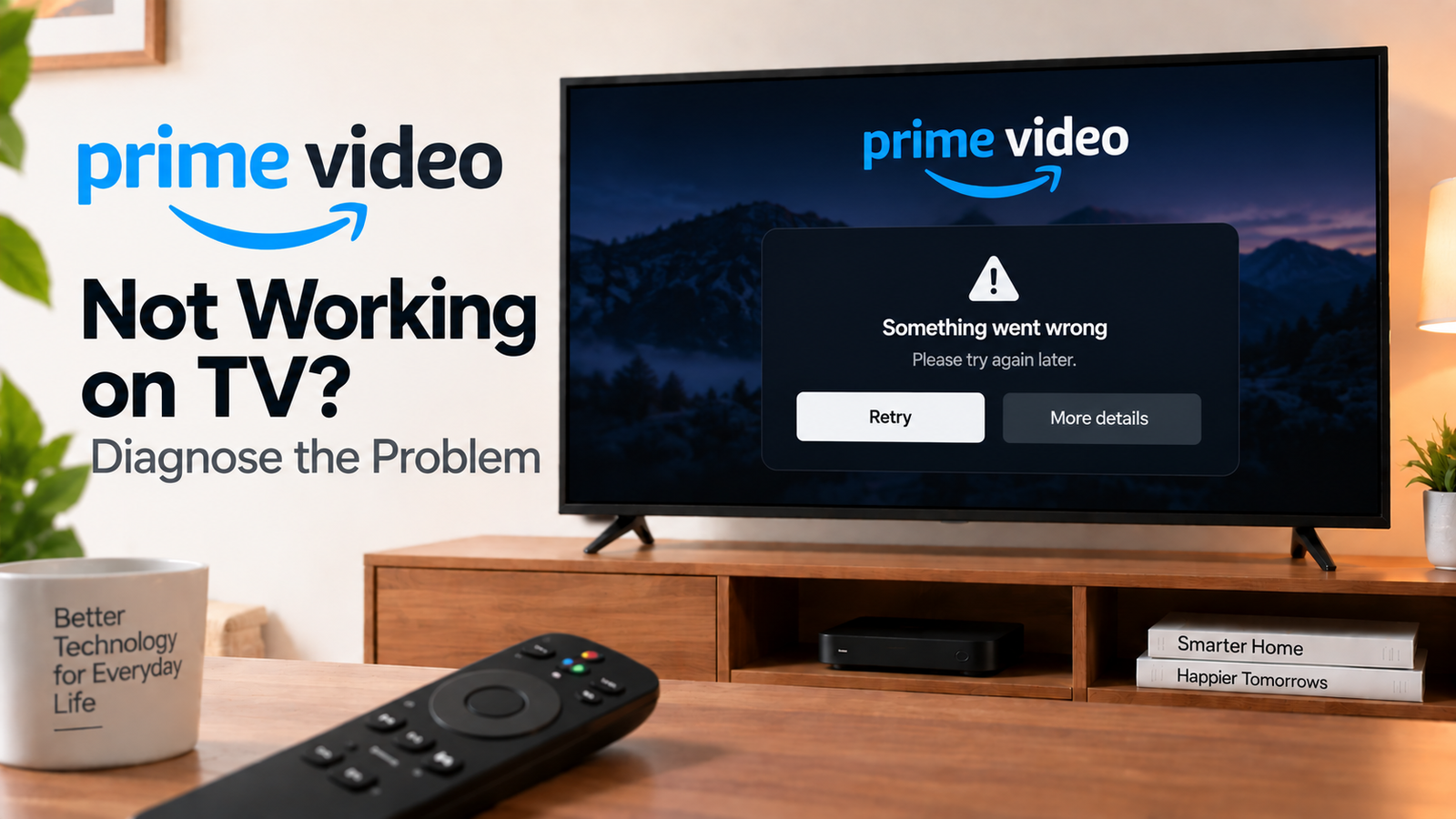
Prime Video Not Working on TV? Diagnose the Problem
Prime Video not working on TV? the problem can range from an internet connection issue to a frozen app, outdated TV software, sign-in problem or an issue with the specific title you’re trying to watch.
The first thing to establish is whether Prime Video itself won’t open, or whether the app opens but content won’t play.
Quick Diagnosis: Start Here
| What you’re seeing | Start here |
|---|---|
| Prime Video won’t open | Go to Fix 1 |
| Prime Video opens but videos won’t play | Go to Fix 2 |
| Prime Video keeps buffering | Go to Fix 3 |
| Only one movie or show won’t play | Go to Fix 4 |
| Other streaming apps work normally | Go to Fix 5 |
| Prime Video suddenly stopped working | Go to Fix 6 |
| You can’t sign in | Go to Fix 7 |
| Nothing else works | Go to Fix 8 |
Why This Happens
Prime Video problems can be caused by:
- Weak or unstable internet
- A temporary app problem
- Outdated app or TV software
- A problem with a specific title
- Account or sign-in issues
- A TV or streaming-device problem
- Network congestion
Fix 1: Restart Prime Video
Close Prime Video and open it again.
If your TV provides a force-stop option, use it before reopening the app.
Then try a different movie or show.
If the app is completely frozen, restart the TV or streaming device.
Fix 2: Check Your Internet Connection
Open another streaming service.
If other services also struggle, check the TV’s internet connection.
Restart your router and reconnect the TV if necessary.
If Prime Video is the only service having problems, continue with the app-specific fixes.
Also test Prime Video on another device connected to the same network.
Fix 3: Check Whether Prime Video Is Buffering
If playback starts but repeatedly pauses, check your network.
Reduce heavy activity on other devices and test playback again.
If your TV is using Wi-Fi, consider whether the router is too far away or blocked by walls or other equipment.
You can also temporarily lower playback quality if the service provides that option.
If buffering affects several streaming apps, concentrate on the network rather than reinstalling Prime Video.
Fix 4: Try Another Movie or Show
Search for another title and play it.
If the second title works, the problem may be limited to the original content.
If nothing plays, continue with device and app troubleshooting.
This is one of the simplest ways to distinguish a content-specific problem from a wider Prime Video problem.
Fix 5: Restart the TV and Check for Updates
Restart your TV or streaming device.
Then check the app store for a Prime Video update.
Also check the TV or streaming device for a system software update.
After updating, restart the device and test Prime Video again.
Fix 6: Refresh the Prime Video App
If Prime Video remains stuck or repeatedly crashes, check whether your platform offers:
- Force stop
- Clear cache
- Clear app data
- Uninstall
- Reinstall
Start with force stopping and reopening the app.
If necessary, clear the cache or reinstall the app.
The exact options vary by TV manufacturer and operating system.
Fix 7: Check Your Prime Video Sign-In
If Prime Video opens but won’t let you watch content, check your account.
Confirm that you’re signed into the intended Amazon account.
If you recently changed your Amazon password or account settings, signing out and signing in again can refresh the TV’s account session.
If the problem affects only one profile or title, check the account or content-specific details rather than resetting the TV.
Fix 8: Test Prime Video on Another Device
Open Prime Video on your phone, computer or another supported streaming device.
If it works elsewhere but not on the TV, the problem is likely related to the TV app, TV software, network connection or device compatibility.
If it doesn’t work anywhere, the issue may be related to your account, network or the service itself.
How to Prevent Prime Video Problems
- Keep Prime Video updated.
- Keep your TV software current.
- Maintain a stable internet connection.
- Restart the TV if apps become unusually slow.
- Test another title before assuming Prime Video is completely unavailable.
- Avoid factory-resetting the TV for an isolated app problem.
Frequently Asked Questions
Why is Prime Video not working while Netflix works?
If Netflix works normally, your internet connection may not be the primary issue. Restart Prime Video, check for updates and test another title.
Why does Prime Video keep buffering on my TV?
Unstable Wi-Fi, network congestion or insufficient bandwidth can cause buffering. Test another streaming app and another device to determine whether the issue is broader.
Why does Prime Video open but movies won’t play?
The app can open while playback fails because of a network, app, account or title-specific issue. Try another title and restart the app.
Should I reinstall Prime Video?
Reinstalling can help when the app itself is corrupted or malfunctioning, but restart the app, TV and network and check for updates first.