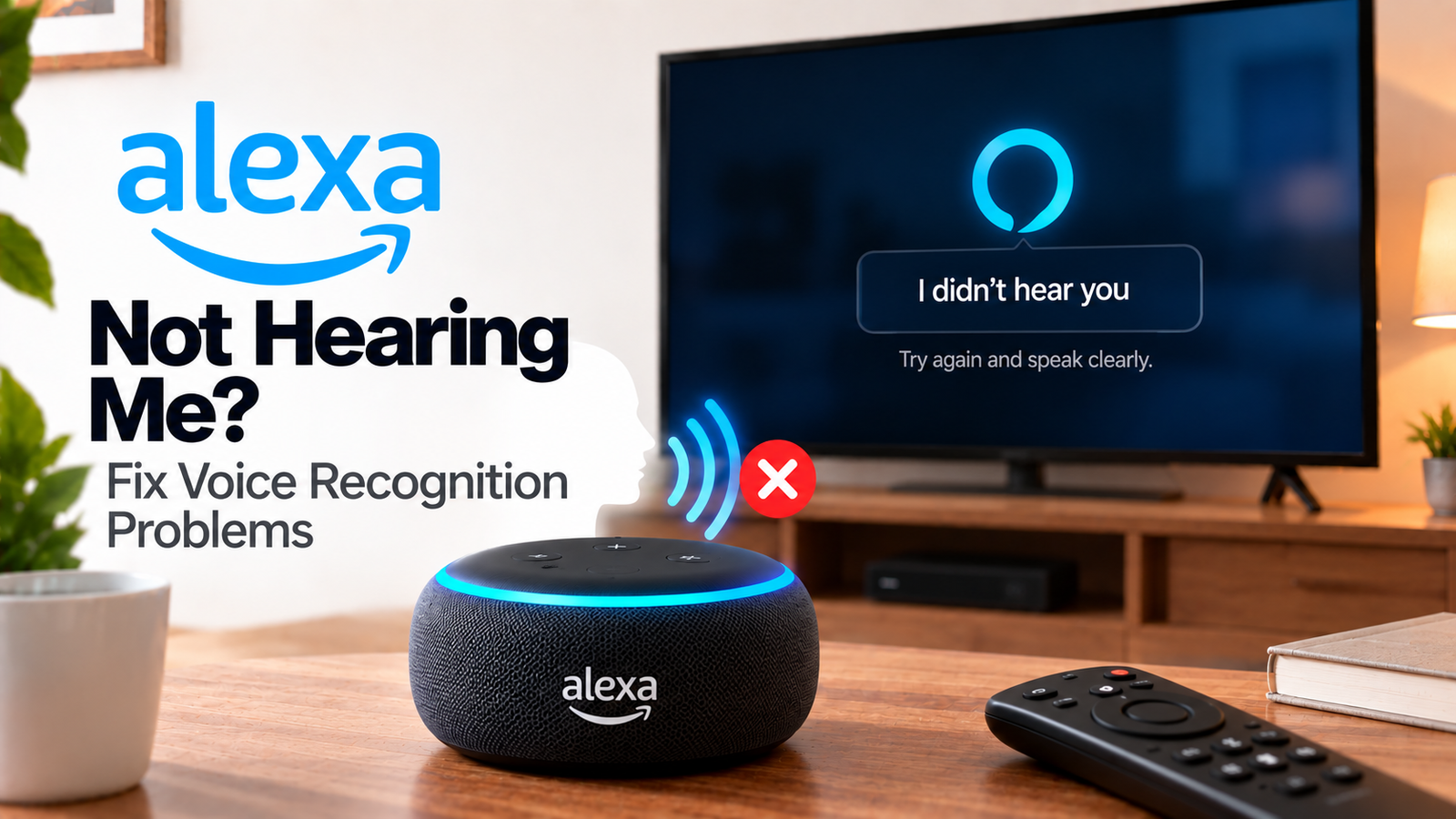
Alexa Not Hearing Me? Fix Voice Recognition Problems
If Alexa is not hearing you, the problem may not be with your internet connection at all. The Echo may have its microphones disabled, be positioned poorly or be struggling to distinguish your voice from background noise.
Start with the Echo’s microphone indicator before changing any network settings.
Quick Diagnosis: Start Here
| What you’re seeing | Start here |
|---|---|
| Alexa doesn’t react to the wake word | Go to Fix 1 |
| Echo has a red light | Go to Fix 2 |
| Alexa hears you only when you’re close | Go to Fix 3 |
| Alexa struggles when the TV is on | Go to Fix 4 |
| Alexa hears some commands but not others | Go to Fix 5 |
| Alexa responds incorrectly | Go to Fix 6 |
| Voice recognition suddenly became unreliable | Go to Fix 7 |
Why This Happens
Alexa may have trouble hearing you because:
- The microphones are turned off.
- The Echo is too far away.
- Background noise is masking your voice.
- The Echo is positioned next to a wall or speaker.
- The television is playing loudly.
- The device needs a restart.
- The problem is actually an internet or Alexa-service issue.
Fix 1: Test the Wake Word
Stand reasonably close to the Echo and say:
“Alexa, what time is it?”
Watch for the listening indicator.
If the Echo doesn’t react at all, continue to the microphone check.
If it reacts but doesn’t complete the request, the problem may be connectivity rather than voice recognition.
Fix 2: Make Sure the Microphone Is Enabled
Check the Echo’s light.
A red light indicates that the microphones have been turned off.
Press the microphone button once.
Then repeat your command.
This should be the first check whenever an Echo suddenly stops responding to voice commands.
Fix 3: Move the Echo to a Better Location
Amazon recommends moving the device away from walls, other speakers and background noise.
Avoid placing the Echo:
- Inside a cabinet
- Directly beside the TV
- Behind another object
- In a corner
- Next to a loud speaker
Move it into a more open position and test the same command again.
Fix 4: Reduce Background Noise
Turn down the TV temporarily.
Pause music or other audio.
Then speak to Alexa.
If Alexa suddenly hears you correctly, the device itself may be fine.
The issue is more likely that background audio is making it difficult for the Echo’s microphones to isolate your voice.
Fix 5: Try Several Commands
Test simple commands such as:
- “Alexa, what time is it?”
- “Alexa, what’s the weather?”
- “Alexa, set a timer for one minute.”
If Alexa hears simple commands but struggles with longer requests, speak clearly and reduce background noise.
If no command works, continue with the connectivity and restart checks.
Fix 6: Check Whether Alexa Misunderstands Rather Than Doesn’t Hear You
There is a difference between:
Alexa doesn’t react at all
and
Alexa responds but misunderstands the request.
If Alexa consistently misunderstands particular names, devices or phrases, check how the command is phrased.
You can also review Alexa Voice History through the Alexa app to see what Alexa interpreted.
This can reveal whether Alexa heard the wrong words or whether the request wasn’t processed.
Fix 7: Restart the Echo
If Alexa previously heard you normally and suddenly stopped, restart the Echo.
Unplug it.
Wait around 30 seconds.
Reconnect the power.
Then test voice commands again.
If the issue continues, check Wi-Fi connectivity.
How to Prevent Alexa Voice Recognition Problems
- Keep the Echo away from loud speakers.
- Avoid placing it directly beside the TV.
- Keep microphones unobstructed.
- Use an open location.
- Reduce background noise when giving complex commands.
- Keep the Echo software current.
Frequently Asked Questions
Why doesn’t Alexa hear me when the TV is on?
Loud television audio can make it harder for the Echo to isolate your voice. Move the Echo farther from the TV and lower the volume to test.
Why does Alexa hear me only when I’m close?
The Echo may be poorly positioned or affected by background noise. Try moving it to an open location.
Why is Alexa showing a red light?
The microphones are disabled. Press the microphone button to enable them again.
Can I check what Alexa heard?
Alexa Voice History can show how the service interpreted previous requests, which can help distinguish a hearing problem from a misunderstanding.