HP Printer Not Connecting to Wi-Fi? Troubleshoot the Connection
If your HP printer won’t connect to Wi-Fi, identify whether the problem is the network, password, signal, setup mode or router.

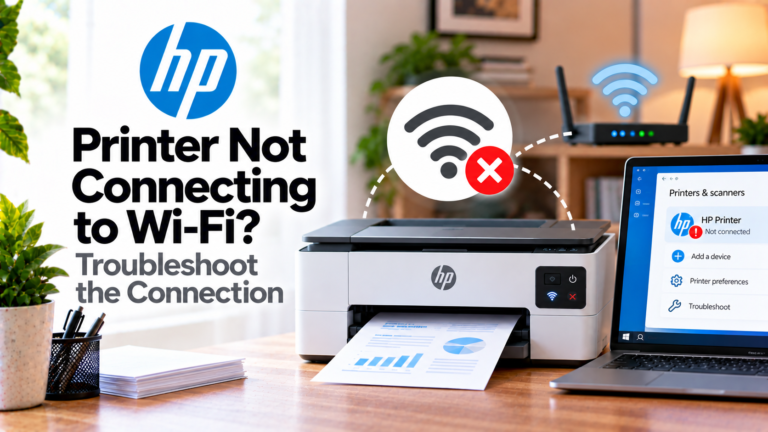
If your HP printer won’t connect to Wi-Fi, identify whether the problem is the network, password, signal, setup mode or router.
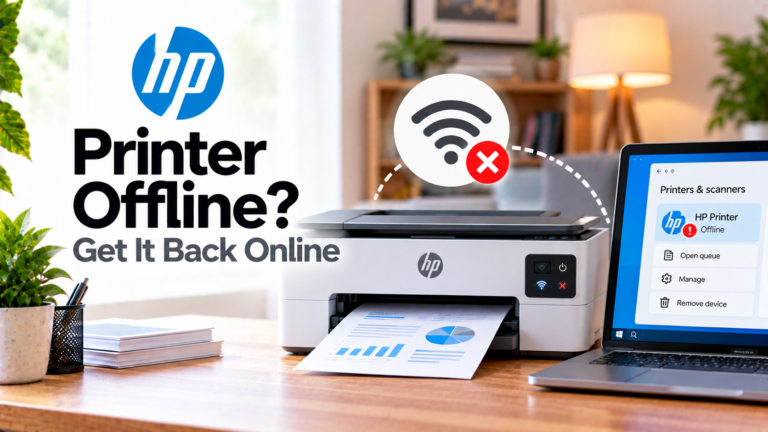
If your HP printer is offline, check the network, router, Wi-Fi signal and printer configuration to restore the connection.
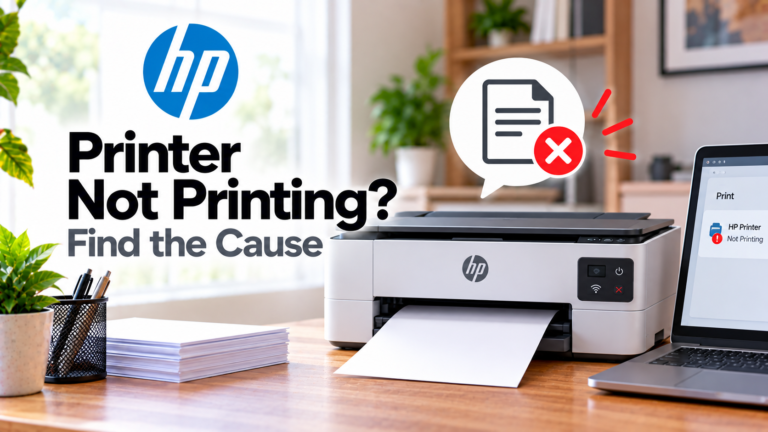
If your HP printer isn’t printing, identify whether the problem is the queue, connection, printer status, paper, supplies or software.
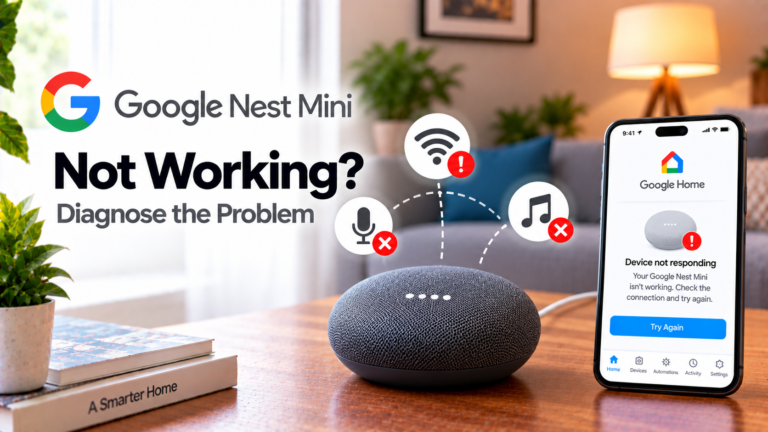
If your Google Nest Mini isn’t working, identify whether the problem is power, Wi-Fi, the microphone, voice recognition or device setup.
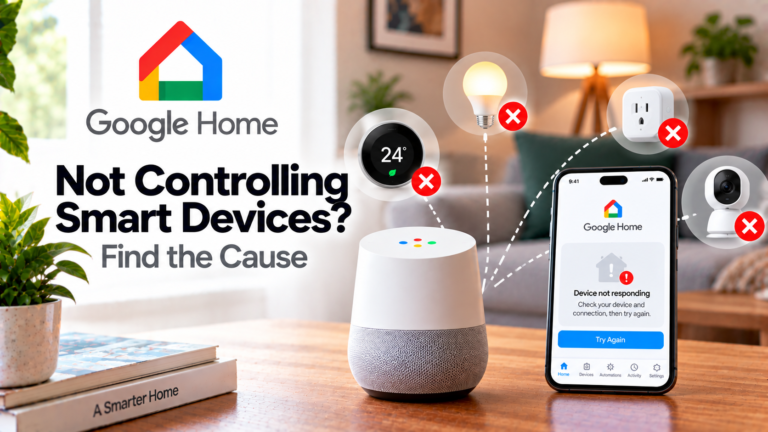
If your Google Home is not controlling smart devices, the problem may be with the smart device, its manufacturer’s app, the linked service or the Google Home account rather than the speaker itself. For example, if you tell Google Home to turn on a smart bulb and nothing happens, first check whether you can control…
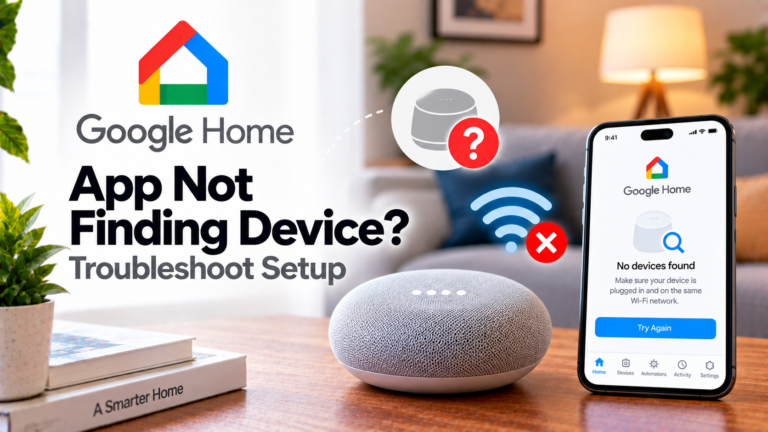
If the Google Home app can’t find your device, check power, Bluetooth, Wi-Fi, app settings and setup before considering a factory reset.
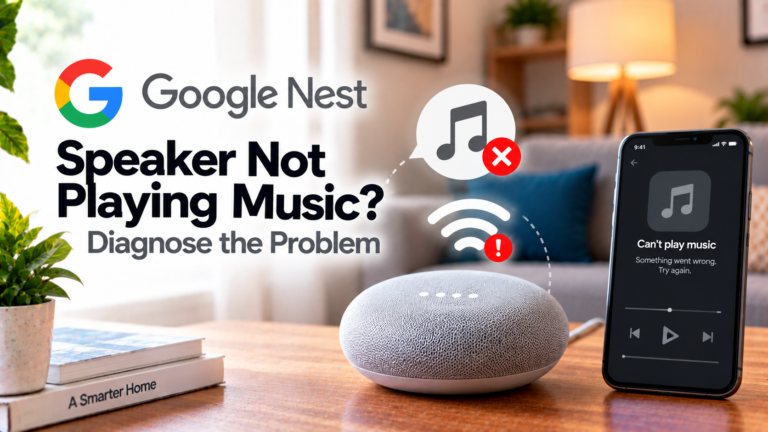
If your Google Nest speaker isn’t playing music, identify whether the problem is the network, music service, account or playback destination.
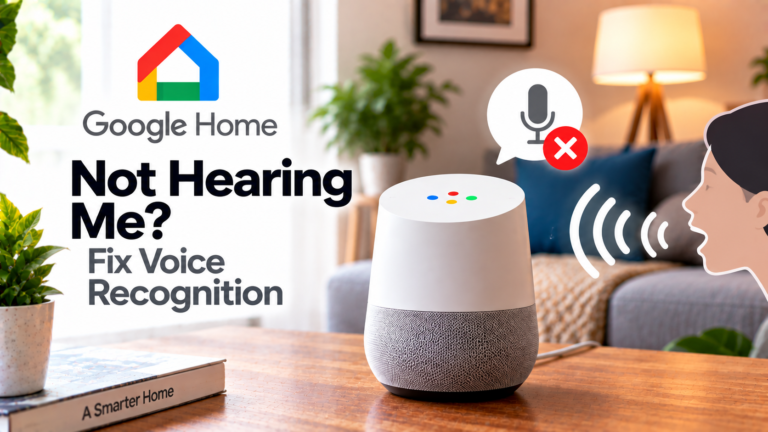
If your Google Home is not hearing you, the problem may be caused by a muted microphone, background noise, poor placement or difficulty recognising the “Hey Google” wake phrase. In some cases, the device hears you but misunderstands what you said, which is a different problem. Before changing settings or resetting anything, pay attention to…
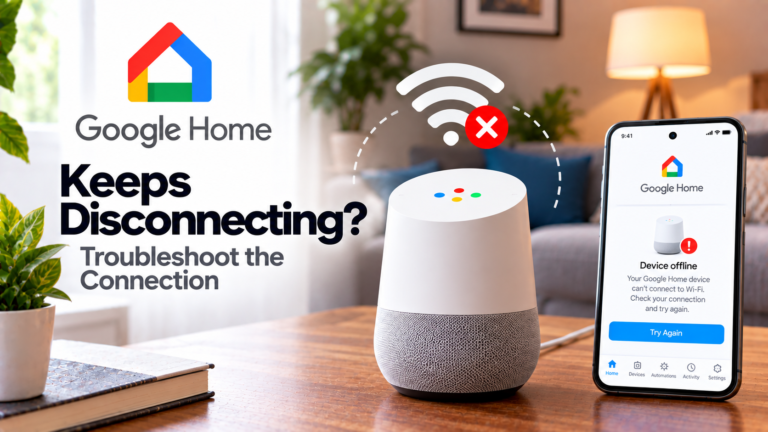
If your Google Home keeps disconnecting, identify whether the problem is Wi-Fi coverage, your router, network settings or the speaker itself.