Canon Printer Not Detected by Computer? Find the Problem
Is your Canon printer not detected by your computer? Find out whether the problem is USB, Wi-Fi, drivers, firewall settings or the printer setup.

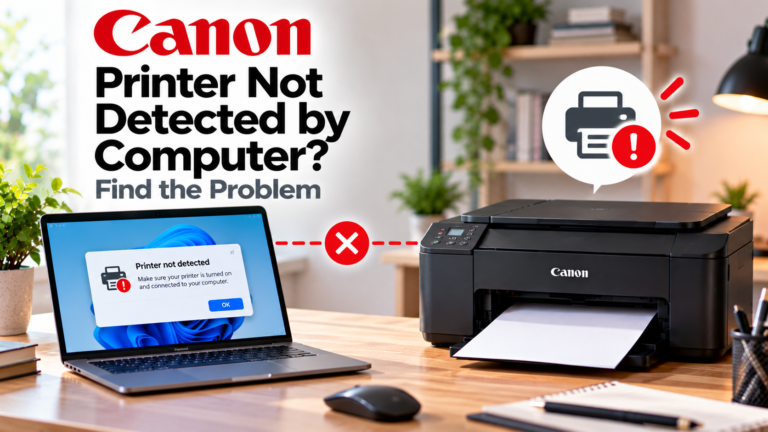
Is your Canon printer not detected by your computer? Find out whether the problem is USB, Wi-Fi, drivers, firewall settings or the printer setup.
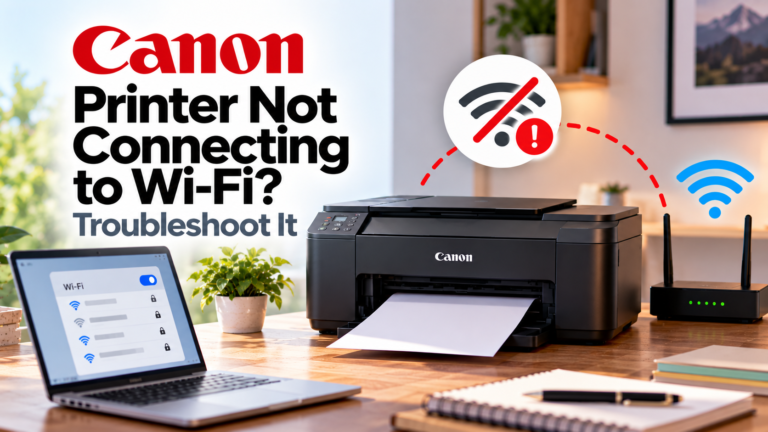
Is your Canon printer not connecting to Wi-Fi? Find out whether the problem is the wireless network, password, router, firewall or printer setup.
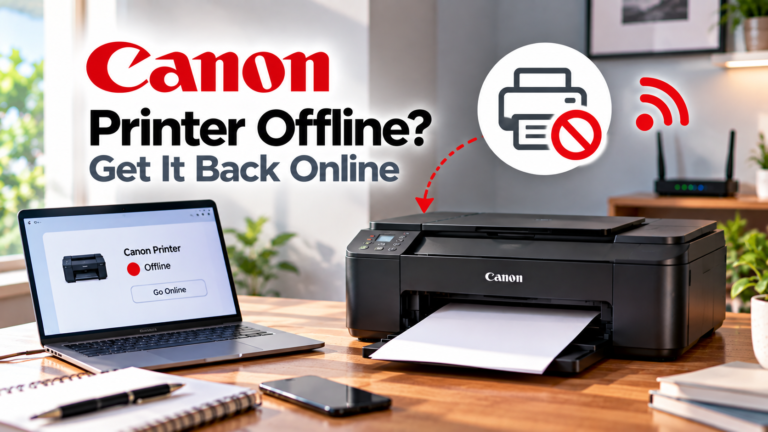
If your Canon printer is offline, check the network, printer status and wireless configuration to restore the connection.
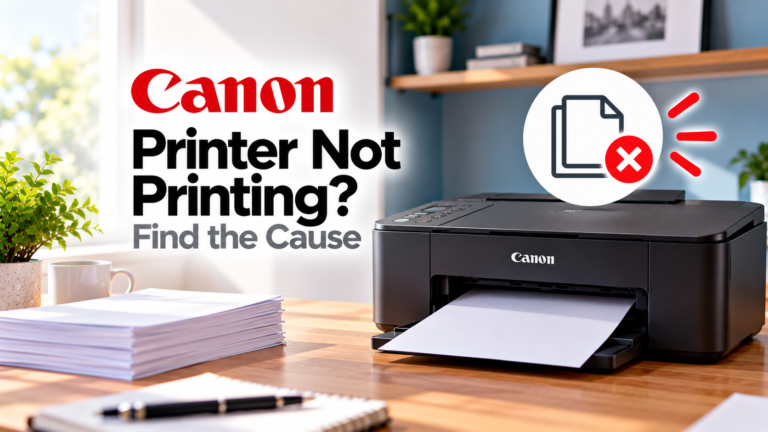
If your Canon printer isn’t printing, identify whether the problem is the queue, connection, supplies, software or printer itself.
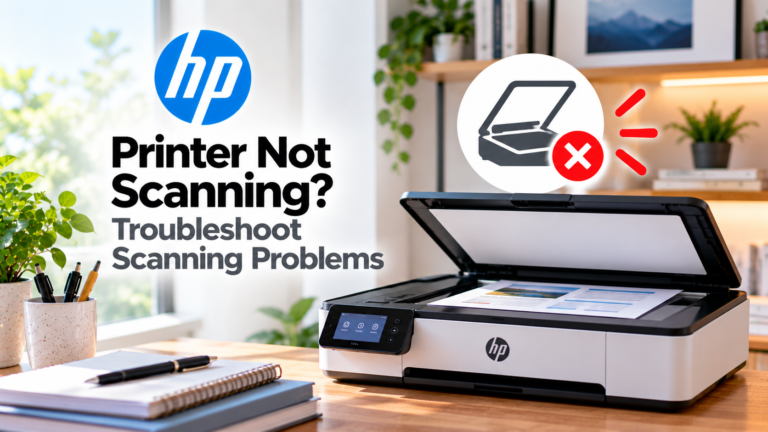
If your HP printer won’t scan, identify whether the problem is the scanner, connection, HP app, software or computer setup.
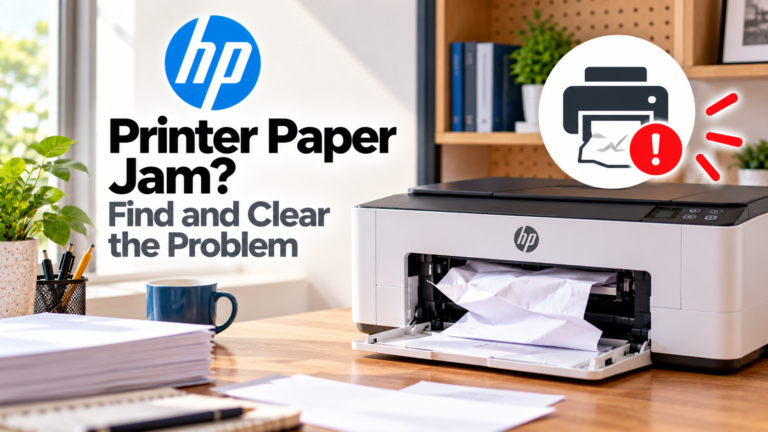
If your HP printer has a paper jam, learn where to look, how to clear stuck or torn paper and how to prevent the problem from returning.
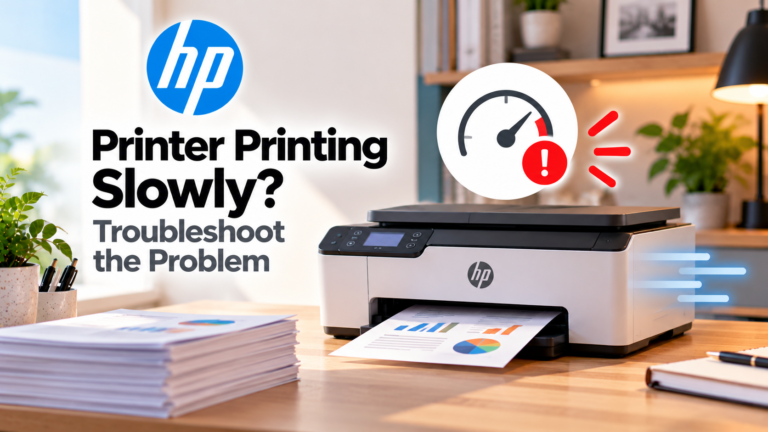
If your HP printer is printing slowly, find out whether print settings, paper, network conditions, documents or software are causing the delay.
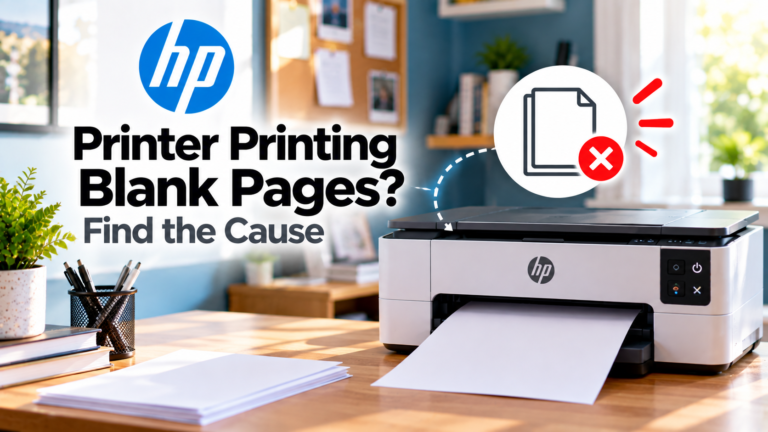
If your HP printer is producing blank pages, identify whether the problem is ink, toner, cartridges, printheads, settings or the document.
If your computer cannot detect an HP printer, identify whether the problem is USB, Wi-Fi, drivers, software or the printer itself.