YouTube Not Working on TV? Find Out What’s Wrong
If YouTube isn’t working on your TV, identify whether the problem is with the app, internet connection, device software or account, then follow the relevant troubleshooting steps.

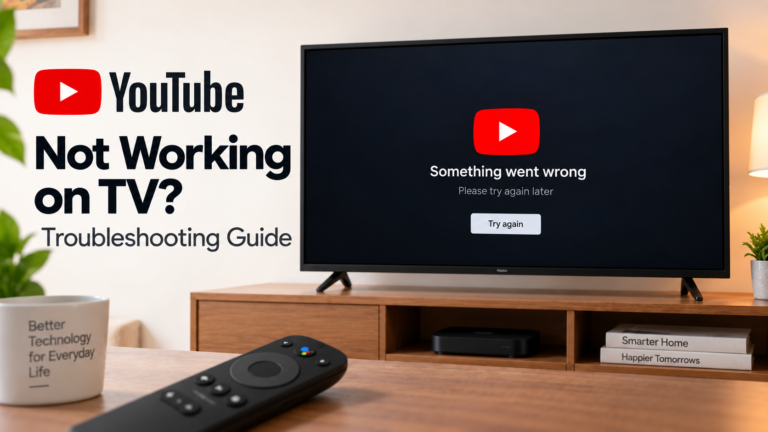
If YouTube isn’t working on your TV, identify whether the problem is with the app, internet connection, device software or account, then follow the relevant troubleshooting steps.
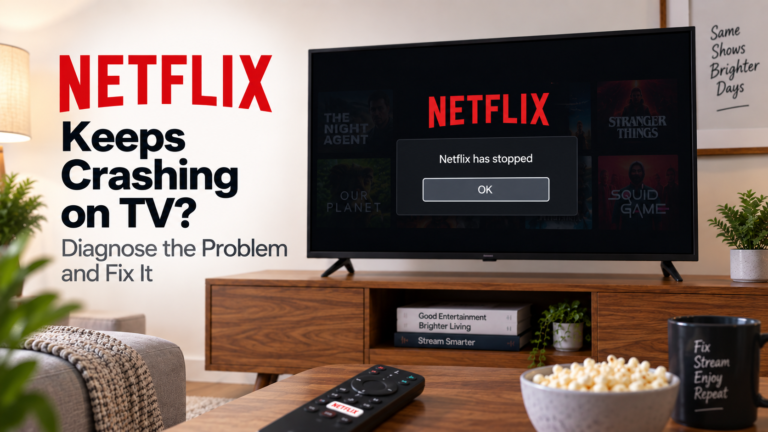
If Netflix keeps crashing on your TV, identify whether the app closes unexpectedly, freezes during playback or causes the entire device to restart, then follow the relevant fix.
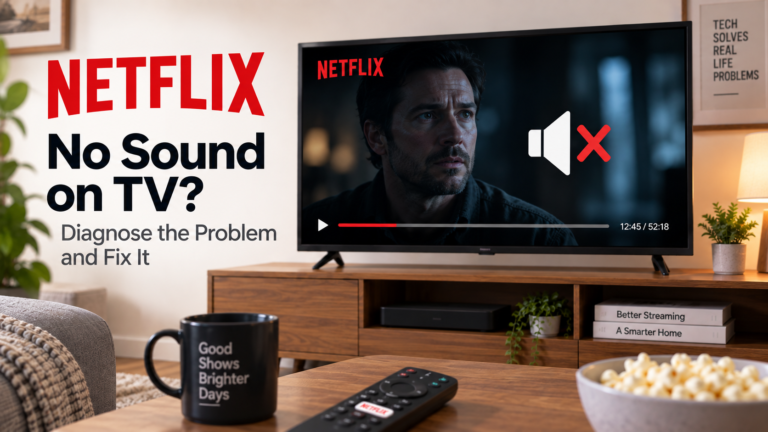
If Netflix has no sound on your TV, identify whether the problem affects one title, the Netflix app or your entire audio setup, then follow the relevant fix.
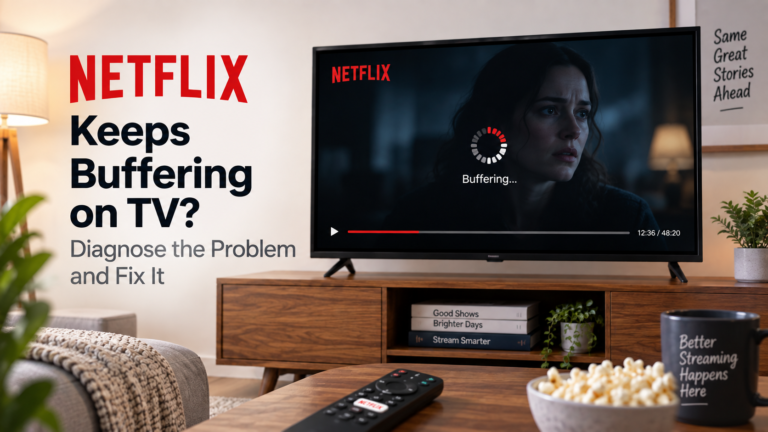
If Netflix keeps buffering on your TV, identify whether the problem affects Netflix alone, your Wi-Fi connection or multiple streaming devices, then follow the right fix.
If Netflix isn’t loading on your TV, identify whether the problem affects only Netflix, your internet connection or the entire device, then follow the relevant troubleshooting steps.
If your Google TV keeps restarting, identify whether the problem occurs during startup, while streaming or when opening an app, then follow the relevant troubleshooting steps.
A Google TV black screen can result from an HDMI connection, power supply, app, display setting or television problem. Identify your symptoms and follow the right fix.
If your Google TV has no sound, identify whether the problem affects every app, your TV speakers or an external soundbar, then follow the right fix.
If your Google TV keeps buffering, identify whether the problem affects one app, several apps or mainly 4K video, then troubleshoot the right cause.