Smart Plug Not Turning On or Off? Find the Cause
Your smart plug won’t turn on, turn off or stay in the state you choose? Find out whether the problem is the plug, appliance, Wi-Fi or an automation.

Troubleshooting guides for smart home and connected devices, including speakers, cameras, doorbells, lights, plugs and other IoT products.
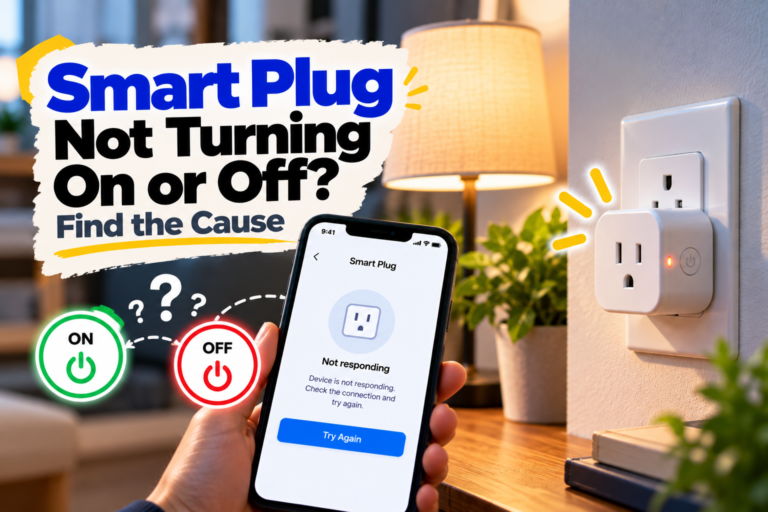
Your smart plug won’t turn on, turn off or stay in the state you choose? Find out whether the problem is the plug, appliance, Wi-Fi or an automation.
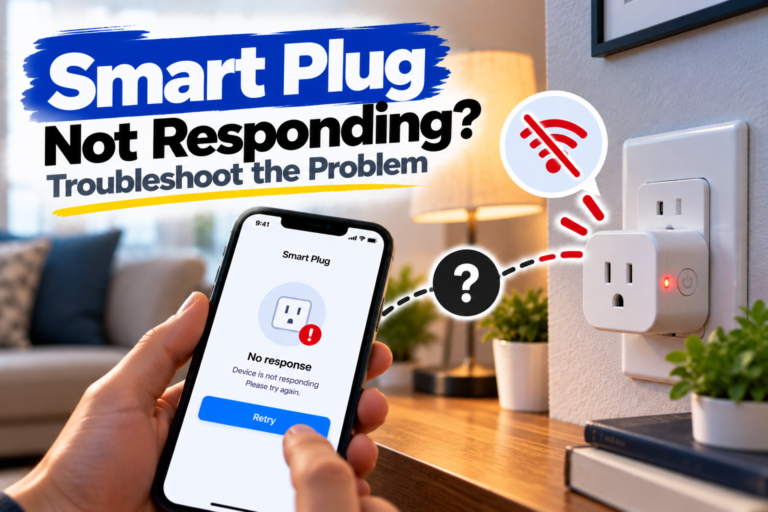
Your smart plug has power but won’t respond to app commands? Find out whether the problem is with Wi-Fi, the app, automations or the plug itself.
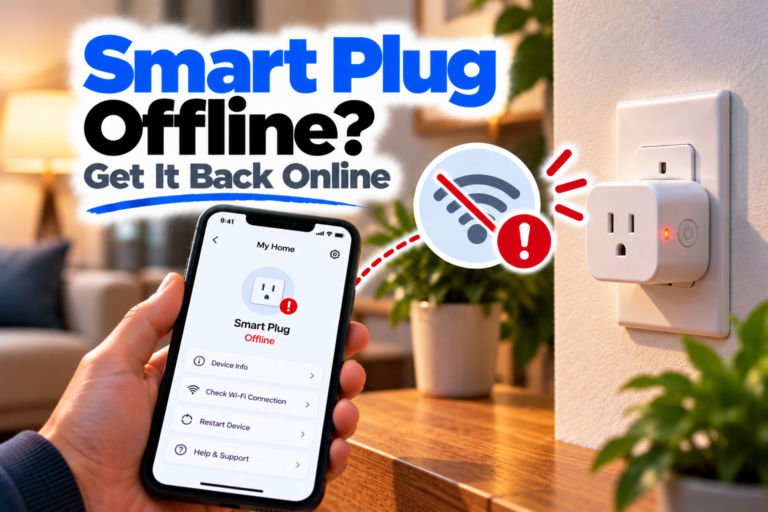
If your Smart Plug is offline, the device may still have power and even respond to its physical button, but the app can’t control it. Sometimes the plug goes offline after working normally for weeks; other times it happens immediately after a router restart, Wi-Fi change or power outage. The important thing is to figure…
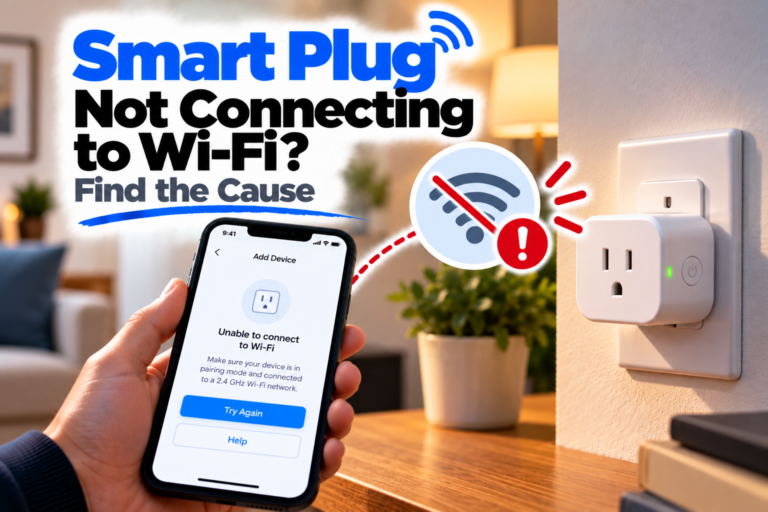
Having trouble connecting a smart plug to Wi-Fi? Check pairing mode, your phone’s network, Wi-Fi compatibility, signal strength and router settings.
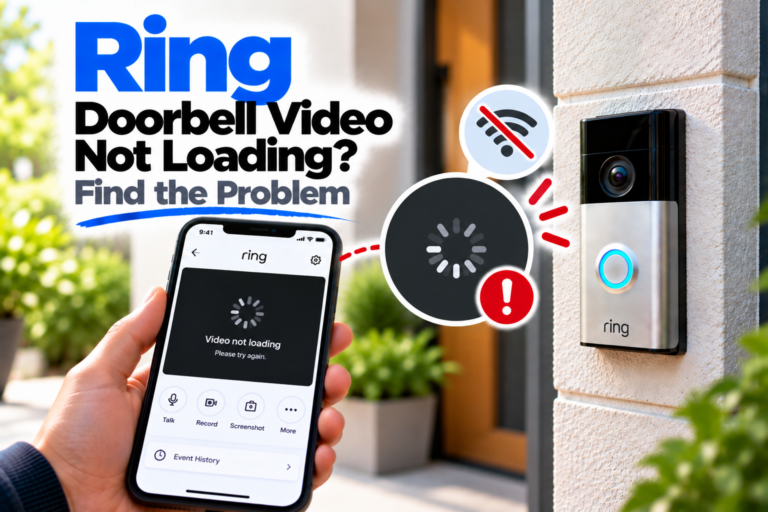
Ring video won’t load, freezes or shows a black screen? Find out whether the problem is with Live View, recorded events, Wi-Fi, the app or your phone.
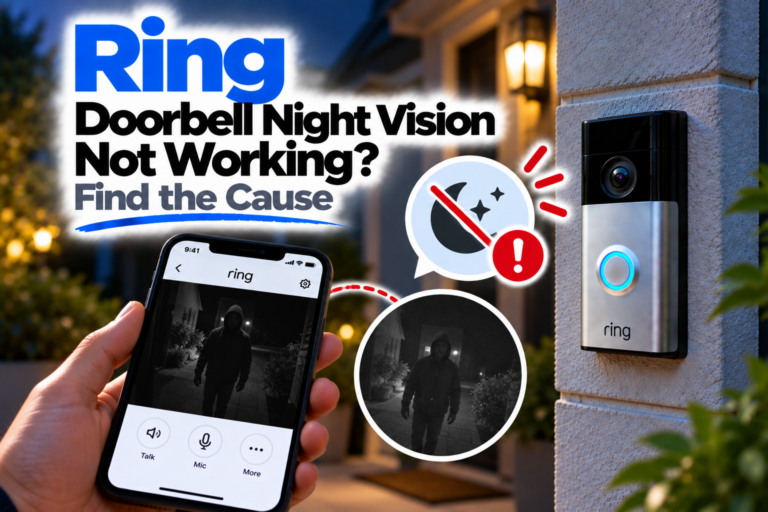
Ring Doorbell night vision looks black, blurry or washed out? Check the settings, lens, lighting, reflections and camera position to find the cause.
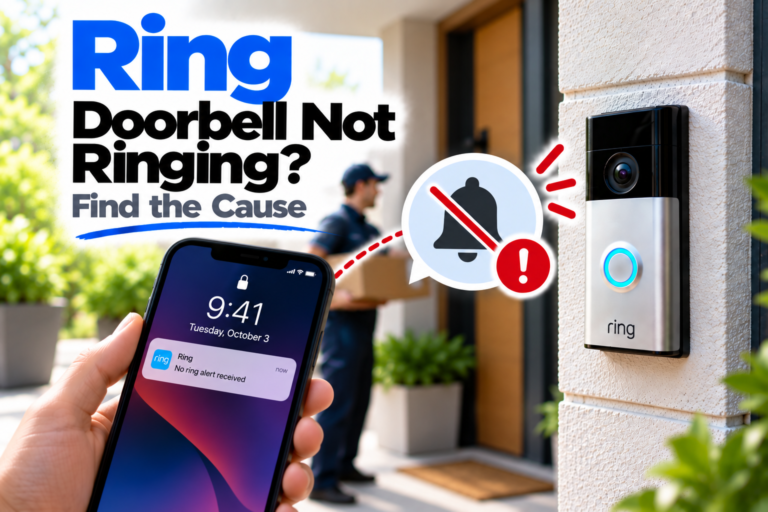
Your Ring Doorbell button works but there’s no sound, or the doorbell doesn’t respond at all? Find out where the problem is and what to check first.
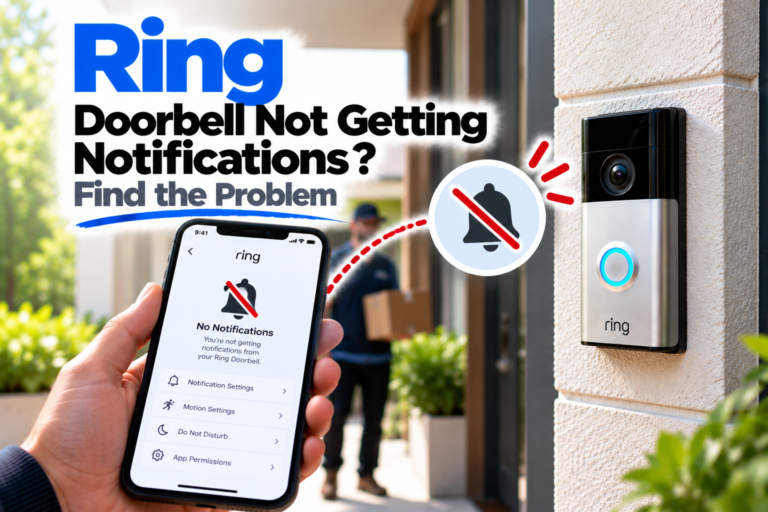
Is your Ring Doorbell not charging or charging unusually slowly? Work through the power source, connections, temperature and battery checks to find the problem.
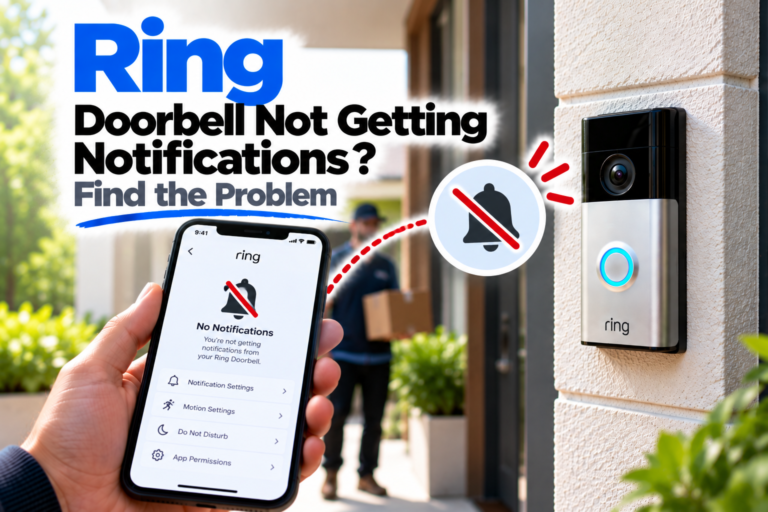
Ring Doorbell alerts aren’t reaching your phone? Find out whether the problem is with motion detection, Ring settings, phone notifications or the app.