Ring Doorbell Battery Draining Fast? Find the Cause
Charging your Ring Doorbell more often than usual? Find out how motion activity, Wi-Fi, Live View, Snapshot Capture, weather and battery age can affect battery life.

Troubleshooting guides for smart home and connected devices, including speakers, cameras, doorbells, lights, plugs and other IoT products.
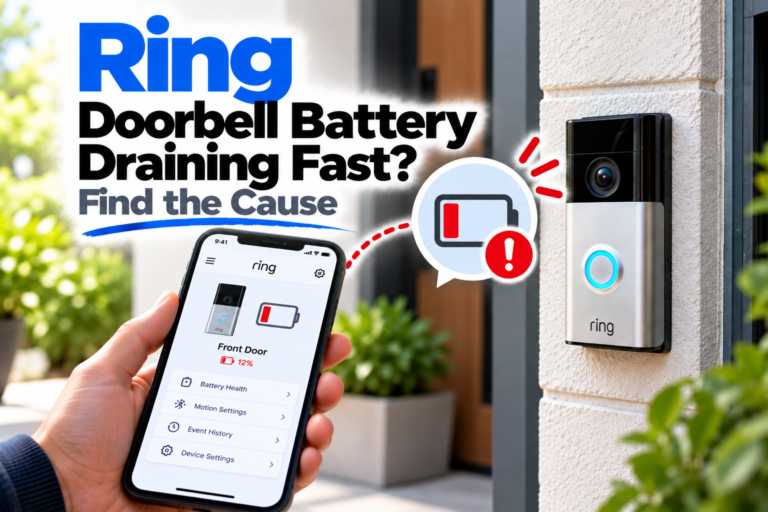
Charging your Ring Doorbell more often than usual? Find out how motion activity, Wi-Fi, Live View, Snapshot Capture, weather and battery age can affect battery life.
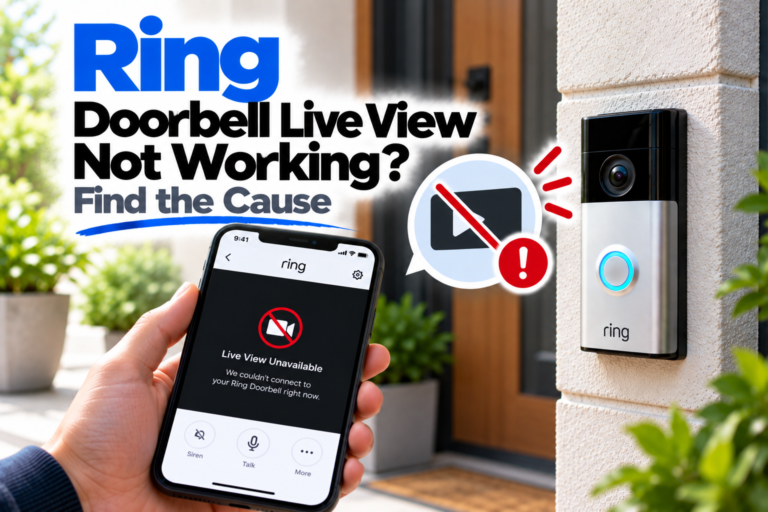
Ring Live View won’t load, keeps freezing or shows a connection error? Work through the doorbell, Wi-Fi, app and network checks that matter most.
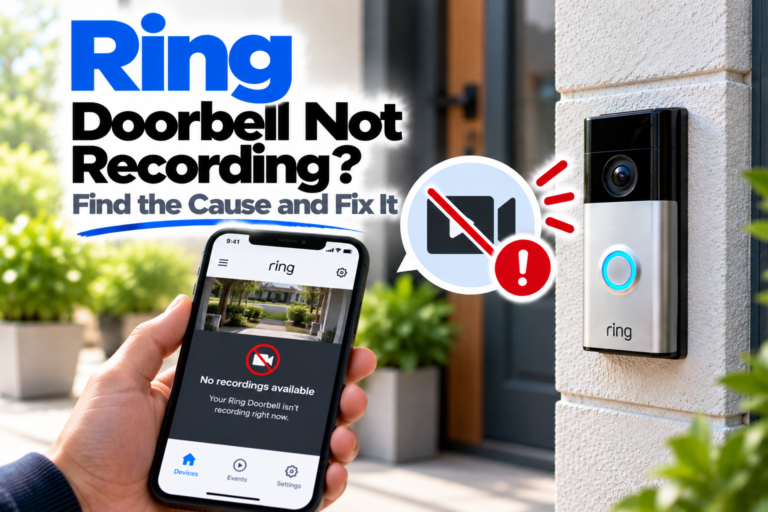
Is your Ring Doorbell not recording? Check whether the problem is related to your subscription, motion detection, recording settings, Wi-Fi or device power.
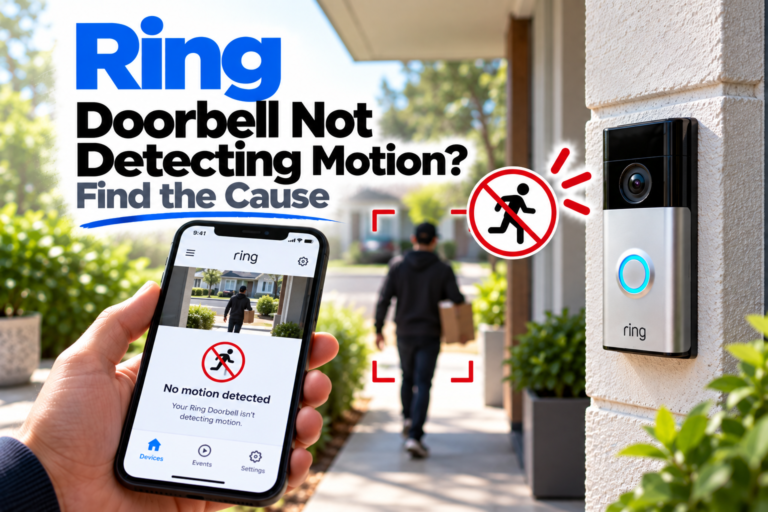
Your Ring Doorbell may be online but still miss people or other movement. Check motion settings, zones, sensitivity and positioning to find the cause.
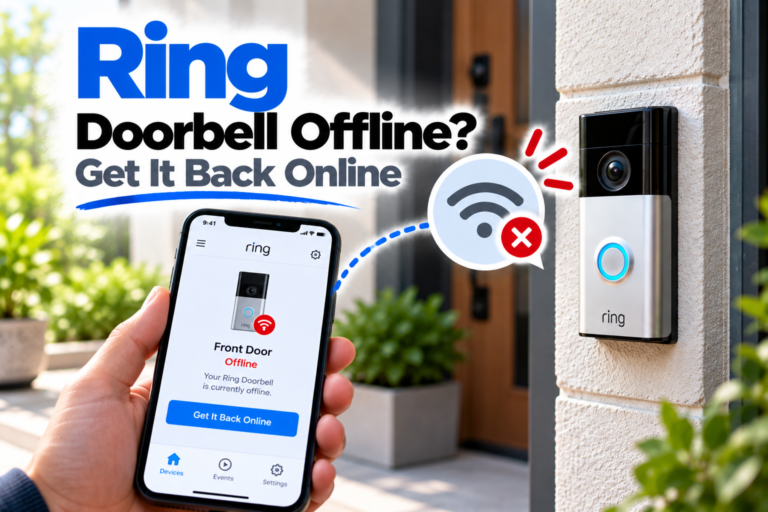
Your Ring Doorbell can go offline even when the rest of your Wi-Fi is working. Here’s how to check the network, signal, battery and power.
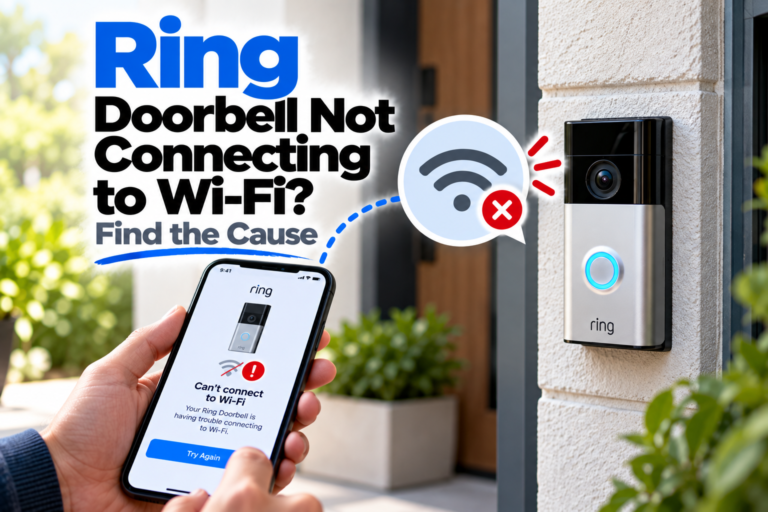
Is your Ring Doorbell not connecting to Wi-Fi? Check the network, password, signal strength, router settings and Ring setup to find the cause.
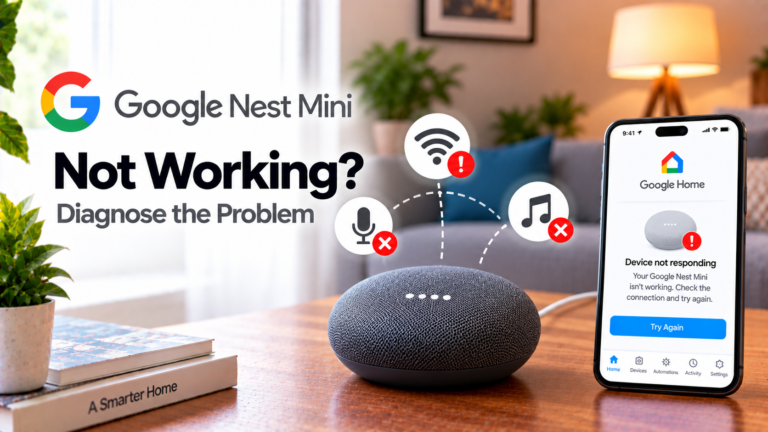
If your Google Nest Mini isn’t working, identify whether the problem is power, Wi-Fi, the microphone, voice recognition or device setup.
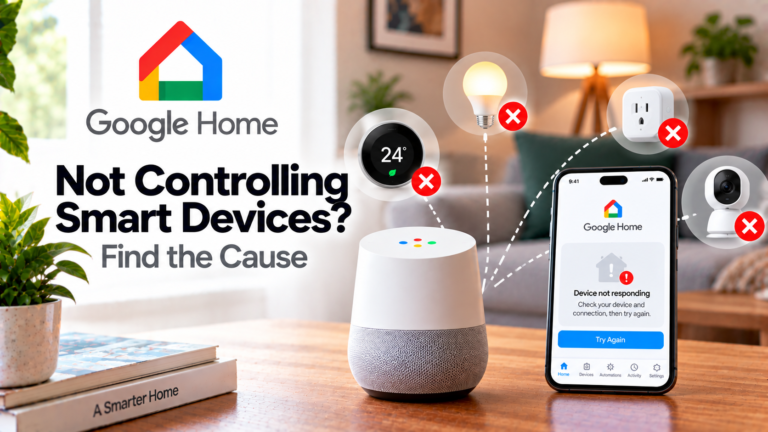
If your Google Home is not controlling smart devices, the problem may be with the smart device, its manufacturer’s app, the linked service or the Google Home account rather than the speaker itself. For example, if you tell Google Home to turn on a smart bulb and nothing happens, first check whether you can control…
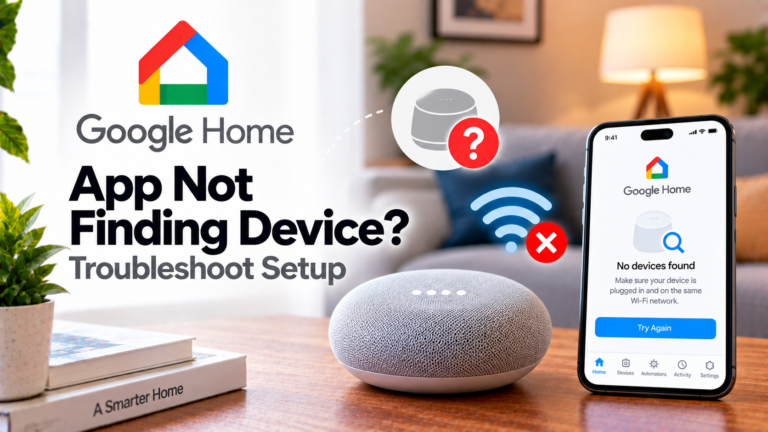
If the Google Home app can’t find your device, check power, Bluetooth, Wi-Fi, app settings and setup before considering a factory reset.