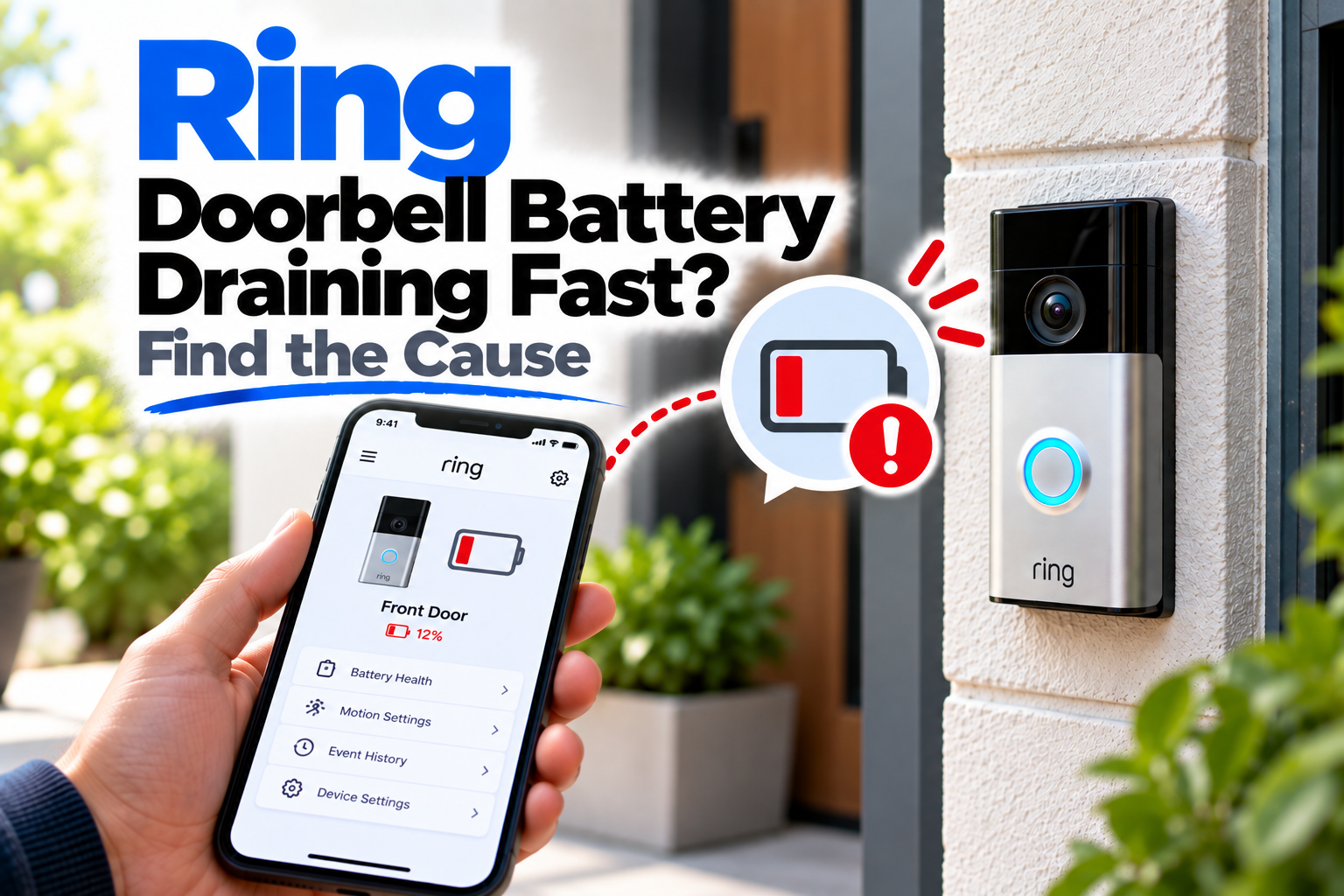
Ring Doorbell Battery Draining Fast? Find the Cause
If your Ring Doorbell battery is draining fast, you may find yourself charging it far more often than expected. A battery that once lasted for weeks can start dropping rapidly when the doorbell is detecting too much activity, repeatedly reconnecting to Wi-Fi, or operating in demanding conditions.
The good news is that fast battery drain doesn’t automatically mean the battery has gone bad. Ring’s own troubleshooting guidance points to several settings and environmental factors that can increase power use. The key is to find out what’s keeping the doorbell active so often.
Quick Diagnosis: Ring Doorbell Battery Draining Fast?
| What you’re seeing | Start here |
|---|---|
| Battery started draining after more people or vehicles appeared nearby | Go to Fix 1 |
| You use Live View frequently | Go to Fix 2 |
| Battery drains even when there isn’t much activity | Go to Fix 3 |
| The doorbell has a weak Wi-Fi connection | Go to Fix 4 |
| Battery drain became worse during cold or hot weather | Go to Fix 5 |
| Snapshot Capture is enabled | Go to Fix 6 |
| The battery is old or no longer holding a charge | Go to Fix 7 |
| You’ve tried the settings changes and the drain continues | Go to Fix 8 |
Fix 1: Reduce Unnecessary Motion Detection
This is one of the first things to investigate.
Your Ring Doorbell uses more power when it is repeatedly detecting and processing motion. A busy street, driveway, walkway or area with frequent movement can therefore have a noticeable effect on battery life.
Open the Ring app and review the doorbell’s Motion Settings.
Look at:
- Motion Zones
- Motion Sensitivity
- Motion Frequency
- Advanced Motion Detection, if available
You don’t necessarily need to turn motion detection off. Instead, try narrowing the Motion Zones so the doorbell concentrates on the areas that actually matter.
For example, if your doorbell can see a busy road and you’re not interested in traffic, excluding that part of the view can reduce unnecessary activity.
This is usually a better solution than simply accepting frequent battery charging as normal.
Fix 2: Cut Back on Live View and Long Video Sessions
Live View is useful, but frequent or extended use can consume considerably more battery than simply leaving the doorbell monitoring normally.
Think about how often you’re opening Live View.
If you regularly check the camera throughout the day, especially for several minutes at a time, try reducing unnecessary sessions for a few days and watch how the battery behaves.
The same applies to other activities that cause the device to capture or process video.
If the battery drain slows noticeably when Live View usage decreases, you’ve probably found at least part of the reason.
Fix 3: Adjust Motion Frequency
For battery-powered Ring devices, Motion Frequency controls how often the device checks for motion after an event.
If your doorbell is detecting a lot of activity, changing this setting can make a meaningful difference.
In the Ring app, open your doorbell’s Motion Settings and look for Motion Frequency.
Depending on the device, you may see options such as:
- Frequently — shortest battery life
- Regularly — a balance between detection and battery use
- Periodically — longer battery life
If your doorbell is currently set to Frequently and you’re getting more motion activity than you actually need, try Regularly.
If battery life is the priority and missing some activity is acceptable, Periodically can reduce power use further.
Don’t lower this setting blindly, though. If you’re already missing important motion events, reducing Motion Frequency can make that problem worse.
Fix 4: Check the Wi-Fi Signal
A weak Wi-Fi connection can quietly become a battery problem.
When the Ring Doorbell struggles to maintain its connection, it may repeatedly disconnect and reconnect. That extra network activity can cause the battery to drain faster.
Open the Ring app and go to:
Devices → Your Ring Doorbell → Device Health
Check the Wi-Fi connection and the RSSI value shown there.
If the signal is weak, consider what might be affecting it:
- The router is too far away
- Thick walls are between the router and doorbell
- Metal objects are interfering with the signal
- The router was recently moved
- Other network changes have affected coverage
If your doorbell frequently goes offline as well as draining quickly, don’t treat those as two unrelated problems. The Wi-Fi connection may be behind both.
Fix 5: Consider the Weather and Installation Location
Temperature can have a surprisingly large effect on battery performance.
Ring says battery-powered devices can have shorter battery life in cold weather. Extremely hot conditions can also affect battery performance and charging.
If the battery started draining unusually quickly during a period of extreme weather, monitor it after conditions return to normal.
Also consider where the doorbell is installed.
Direct sunlight can cause the device to become significantly hotter than the surrounding air. If possible, avoid prolonged direct exposure to intense sunlight.
For cold weather, remember that rechargeable batteries naturally perform less efficiently at lower temperatures. Battery performance can improve again once temperatures return to normal and the battery is recharged.
Fix 6: Check Snapshot Capture
If you have Snapshot Capture enabled, your Ring Doorbell periodically takes still images between motion events.
That’s useful if you want a more continuous view of what’s happening around the doorbell, but it also uses additional power on battery-operated devices.
Open the Ring app and check:
Devices → Your Ring Doorbell → Device Settings → Snapshot Capture
If you don’t really need snapshots between motion events, consider turning the feature off.
Alternatively, reduce the Snapshot Capture frequency if you want to keep the feature while using less battery.
This is particularly worth checking if the battery started draining faster after you enabled Snapshot Capture or changed its frequency.
Fix 7: Check the Battery’s Age and Charging Behaviour
If you’ve already reduced unnecessary activity and the battery still drops unusually quickly, the battery itself may be reaching the end of its useful life.
Rechargeable batteries don’t maintain their original capacity forever.
Think about the history of the battery:
- Has it been used for several years?
- Has its runtime gradually decreased?
- Does it drop unusually quickly after charging?
- Does it take longer than expected to recharge?
- Does the percentage behave inconsistently?
If you have access to another compatible Ring battery, testing it can help separate a battery problem from a doorbell or settings problem.
Also make sure the battery is properly seated after charging. If your Ring model uses a removable battery, the Ring app should register the new charge after the battery is reinstalled correctly.
Fix 8: Look at Ring’s Battery Tips Before Resetting Anything
If your Ring app is showing a low-battery warning, don’t ignore the information provided with it.
For supported devices, Ring can show contextual battery tips that identify settings contributing to power consumption.
Check the battery warning in the Ring app and see whether it points you toward:
- Snapshot Capture frequency
- Motion Frequency
- Advanced Motion Detection
- Other power-related settings
Make the suggested adjustment and monitor the battery over the next few days.
If the battery continues draining unusually fast despite reasonable motion activity, a healthy Wi-Fi connection, moderate settings and normal temperatures, you’ve narrowed the problem considerably.
At that point, trying another compatible battery or contacting Ring support makes more sense than repeatedly changing unrelated settings.
Why This Happens
Battery drain is usually a usage pattern rather than a single fault.
The doorbell has to spend more energy when it is frequently detecting motion, recording events, handling Live View sessions or maintaining a poor Wi-Fi connection.
Other factors can contribute too:
- Cold temperatures
- Excessive motion activity
- Frequent Live View sessions
- Weak Wi-Fi
- Snapshot Capture
- Higher Motion Frequency
- Advanced motion detection settings
- An aging battery
- Extreme heat or direct sunlight
That’s why simply replacing the battery may not solve the problem. If the underlying cause remains, the replacement battery can drain just as quickly.
How to Prevent Ring Doorbell Battery Drain
The best approach is to reduce unnecessary activity without compromising the security coverage you actually need.
Keep the Motion Zones focused on useful areas rather than busy spaces that generate constant triggers. Use a sensible Motion Frequency setting and avoid unnecessary Live View sessions.
It’s also worth checking the Wi-Fi connection occasionally, particularly if you’ve noticed the doorbell going offline.
If you use Snapshot Capture, choose a frequency that makes sense for how often you actually review those snapshots.
And if your doorbell is exposed to harsh weather, pay attention to temperature and direct sunlight rather than assuming every battery problem is caused by the device itself.
Frequently Asked Questions
How long should a Ring Doorbell battery last?
Battery life varies considerably depending on the Ring model, motion activity, Live View usage, Wi-Fi conditions, settings and weather. There isn’t one useful battery-life figure that applies to every installation.
Why is my Ring Doorbell battery draining overnight?
Check for repeated motion events, Live View activity, Snapshot Capture and a weak Wi-Fi connection. If the problem occurs mainly overnight, look for something in the camera’s field of view that may be triggering motion.
Does weak Wi-Fi drain a Ring Doorbell battery?
Yes. A weak connection can cause the device to repeatedly disconnect and reconnect, which can increase power consumption.
Does Live View use more Ring battery?
Yes. Frequent or extended Live View sessions can contribute to faster battery drain because the doorbell is actively transmitting video.
Does cold weather make Ring Doorbell batteries drain faster?
Yes. Rechargeable batteries generally have shorter runtime in cold conditions. Battery performance can improve once temperatures return to normal.
Should I turn off Motion Detection to save battery?
Not necessarily. If you rely on the doorbell for security alerts, turning Motion Detection off defeats an important part of its purpose. It’s usually better to narrow Motion Zones or reduce unnecessary motion activity first.
Why is my Ring Doorbell battery still draining fast after changing the settings?
If motion activity is reasonable, Wi-Fi is strong and weather conditions are normal, the battery itself may be aging. Testing another compatible battery can help determine whether the battery is the problem.