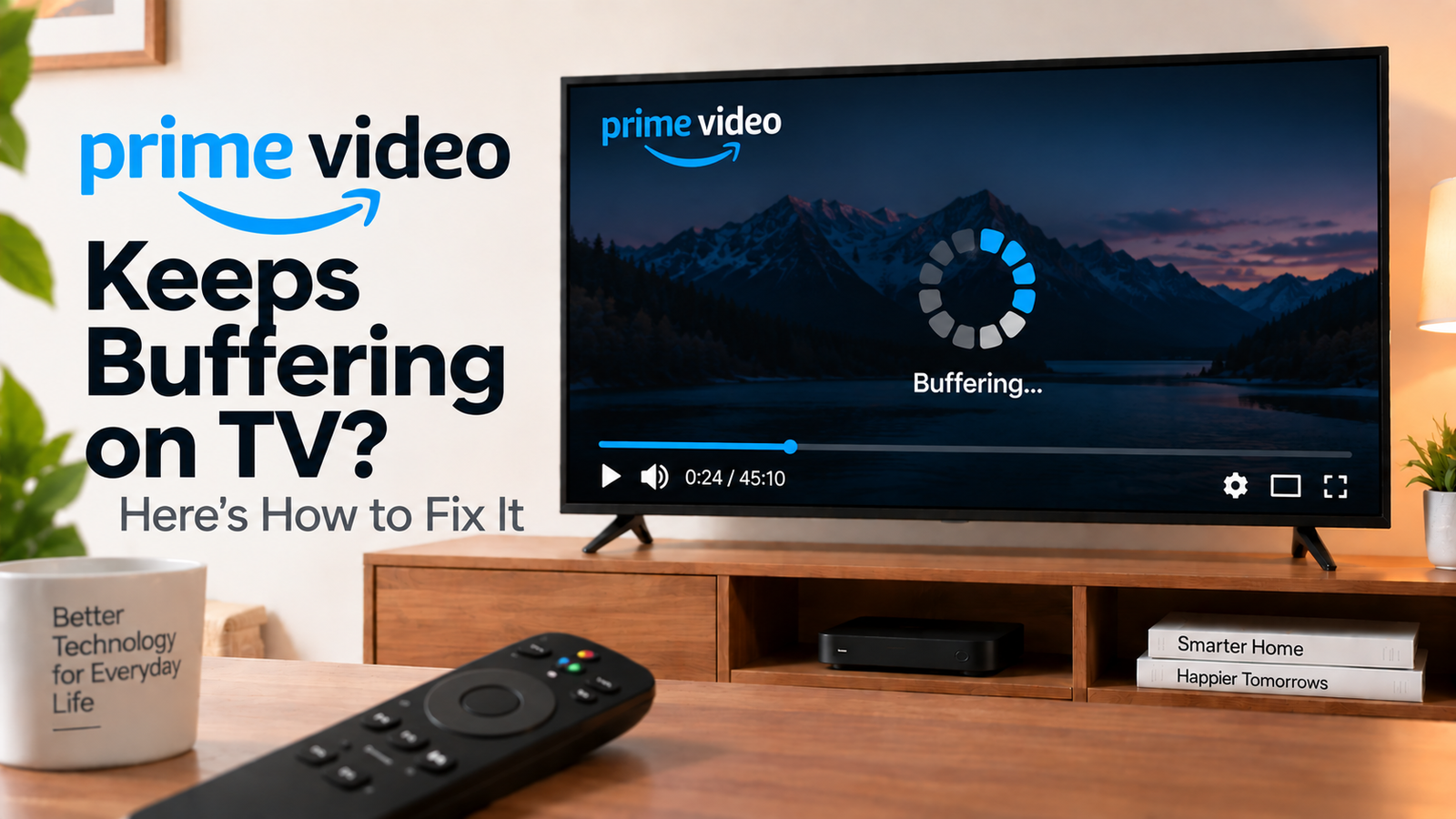
Prime Video Keeps Buffering on TV? Find the Cause
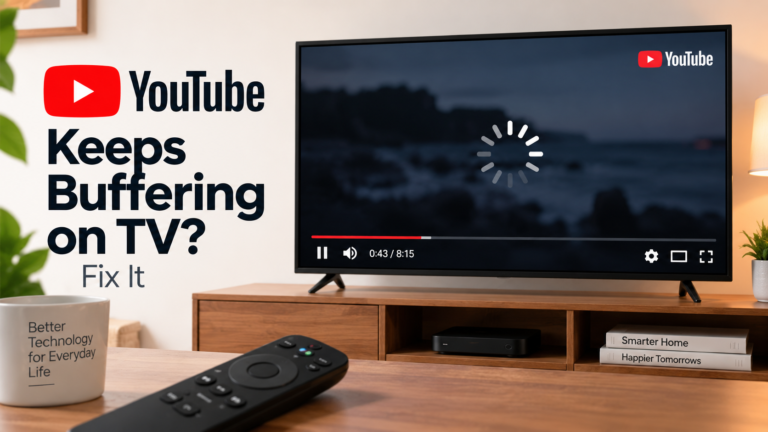
If Prime Video keeps buffering on TV, the problem may be caused by an unstable Wi-Fi connection, network congestion, a slow TV connection or an issue with the Prime Video app.
The first question is whether Prime Video is the only service buffering. If several apps struggle, focus on your network. If Prime Video alone is affected, troubleshoot the app and device.
Quick Diagnosis: Start Here
| What you’re seeing | Start here |
|---|---|
| Every Prime Video title buffers | Go to Fix 1 |
| Netflix and other apps also buffer | Go to Fix 2 |
| Prime Video buffers only on the TV | Go to Fix 3 |
| Buffering starts during high-quality video | Go to Fix 4 |
| Prime Video started buffering suddenly | Go to Fix 5 |
| Restarting helps only temporarily | Go to Fix 6 |
| Prime Video works on another device | Go to Fix 7 |
Why This Happens
Buffering can result from:
- Weak Wi-Fi
- Network congestion
- Router placement
- Multiple devices using bandwidth
- A temporary app problem
- Outdated software
- Problems specific to the TV’s network connection
Fix 1: Test Several Prime Video Titles
Play two or three different movies or shows.
If one title buffers while others play normally, the problem may be specific to that content.
If every title buffers, continue with the network checks.
Fix 2: Check Other Streaming Apps
Open Netflix, YouTube or another streaming app.
If they also buffer, the problem is likely broader than Prime Video.
Restart your router and test again.
If only Prime Video buffers, continue with the Prime Video-specific steps.
Fix 3: Improve the TV’s Network Connection
If your TV uses Wi-Fi, check its distance from the router.
Try:
- Restarting the router
- Moving the router closer
- Reducing obstacles between the router and TV
- Disconnecting devices that are using heavy bandwidth
- Reconnecting the TV to Wi-Fi
If your TV supports Ethernet, a wired connection can also be a useful diagnostic test.
Fix 4: Test Lower Video Quality
If buffering happens mainly during high-resolution playback, temporarily lower the video quality if the available Prime Video settings allow it.
If playback becomes stable, the connection may be struggling with the higher data requirement.
You can then work on improving the TV’s connection rather than accepting lower quality permanently.
Fix 5: Restart Prime Video and Your TV
Close Prime Video and reopen it.
If that doesn’t help, restart the TV or streaming device.
For an external streaming device, disconnect power and reconnect it after waiting.
Then test Prime Video again.
Fix 6: Check for App and System Updates
Open the TV’s app store and check for a Prime Video update.
Then check for a TV or streaming-device software update.
Restart after installing updates.
If buffering began immediately after a software change, also check whether another update is available.
Fix 7: Compare Prime Video on Another Device
Open Prime Video on a phone or computer using the same network.
If it works normally there but buffers on the TV, the problem is likely specific to the TV, its network connection or Prime Video installation.
If it buffers everywhere, focus on the network or service rather than the TV.
How to Prevent Prime Video Buffering
- Keep the TV and Prime Video app updated.
- Maintain a strong Wi-Fi connection.
- Reduce unnecessary network traffic while streaming.
- Restart your router if multiple services suddenly become unstable.
- Use Ethernet where practical.
- Test another device before resetting the TV.
Frequently Asked Questions
Why does Prime Video buffer but Netflix doesn’t?
Streaming services can behave differently under the same network conditions. If only Prime Video buffers, investigate the app, TV software and Prime Video connection rather than assuming the entire internet connection is at fault.
Why does Prime Video buffer only on my TV?
The TV may have weaker Wi-Fi reception than your phone or computer. Compare the service on another device and, if possible, another network.
Does restarting the router help Prime Video buffering?
It can help if the problem is caused by a temporary network issue. Restarting the router is a useful early diagnostic step.
Should I factory reset my TV?
No. Buffering is usually better investigated through network, app and device troubleshooting before considering a full factory reset.