Mac Sound Not Working? Find the Cause
No sound from your Mac can point to an incorrect output, a muted application, an external device problem or a wider audio issue. Follow these checks to identify where playback is failing.

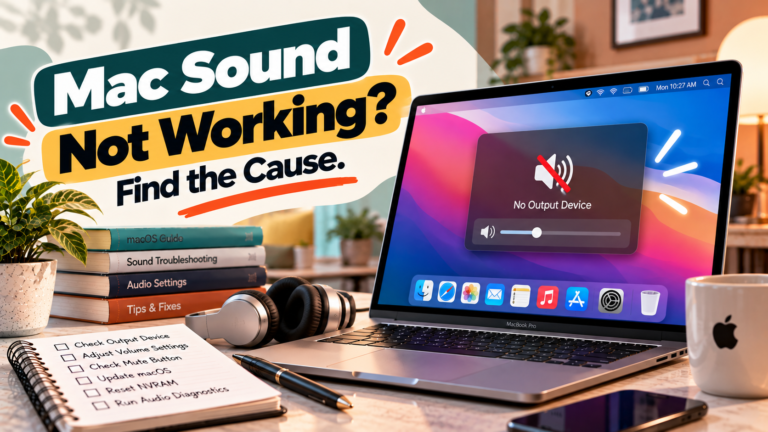
No sound from your Mac can point to an incorrect output, a muted application, an external device problem or a wider audio issue. Follow these checks to identify where playback is failing.
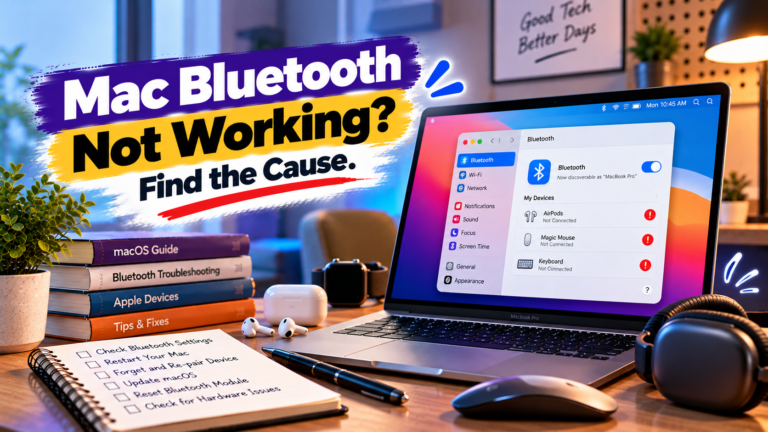
Bluetooth problems on a Mac can affect one accessory or the entire wireless service. Learn how to identify pairing failures, repeated disconnections, missing audio and other common connection issues.
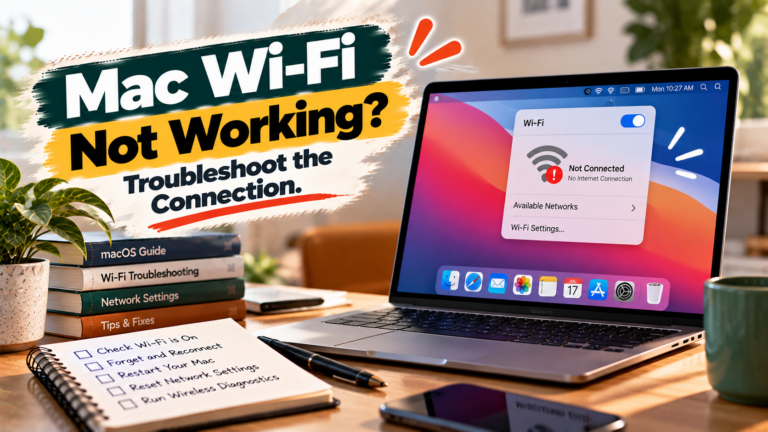
Wi-Fi problems on a Mac can stem from connection settings, saved credentials, router issues or software conflicts. Use these diagnostic steps to narrow down the cause and restore connectivity.
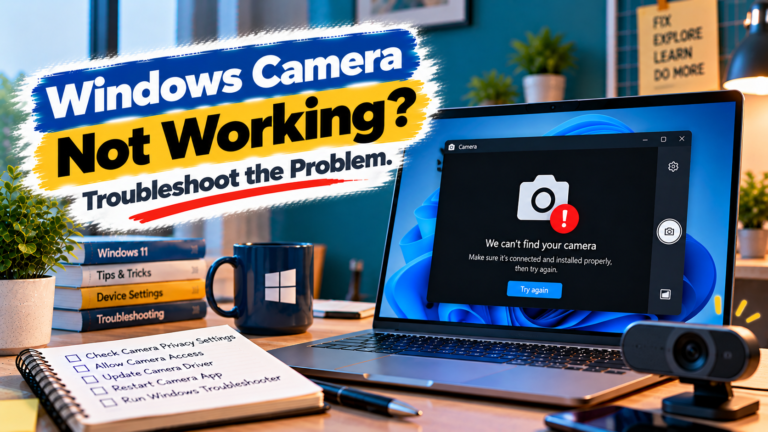
Webcam not detected, showing a black screen or failing in video calls? Find out whether the problem lies with Windows permissions, the app, the driver or the camera itself.

No audio from your Windows PC? Work out whether the issue comes from the selected output, headphones, one application, an audio driver or Windows itself.
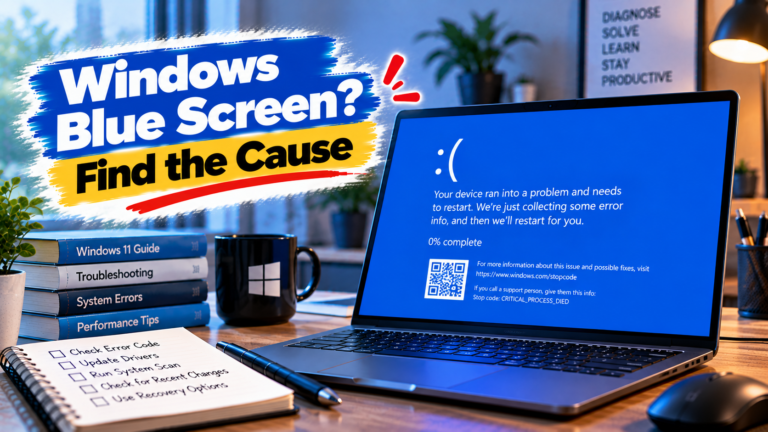
A blue screen can point to a driver conflict, unstable hardware or a Windows system problem. Learn how to use stop codes and crash records to narrow down the cause.

Random reboots can have several causes. Learn how to investigate restart loops, heat-related shutdowns, recent updates and Windows crash records to identify what’s going wrong.
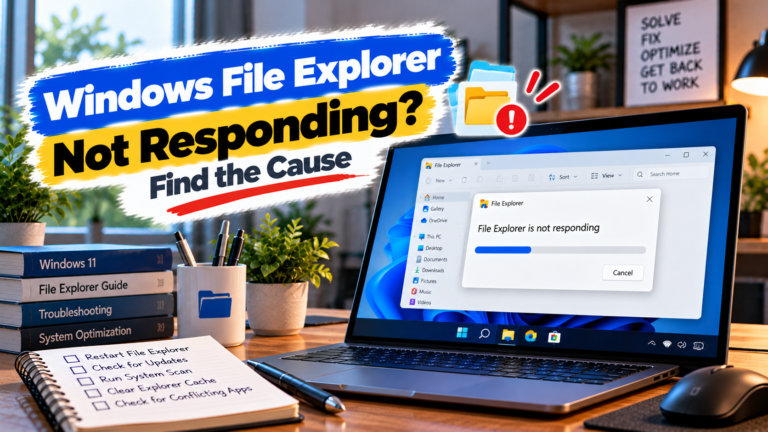
File Explorer keeps freezing or stops responding? Identify whether the problem is linked to a specific folder, external device, context menu or Windows itself.
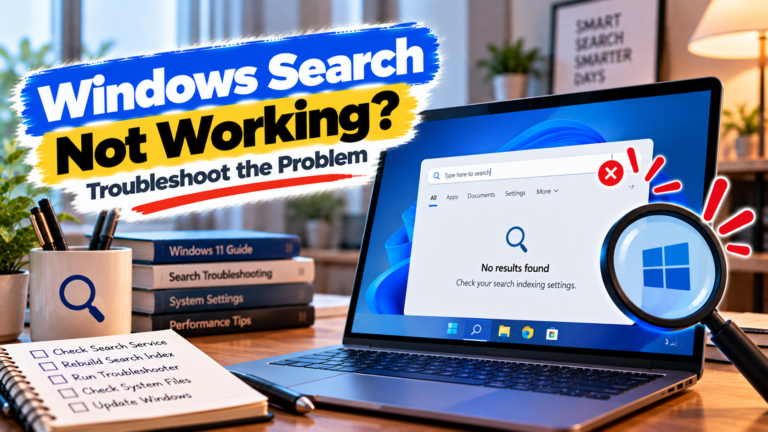
Windows Search not working or failing to find files? Find out whether the problem is indexing, file location, Windows Search or a recent system change.